
How do I set up my Streaming Media Player?
In the professional OTT and IPTV landscape, the "setup" phase of a Streaming Media Player is the definitive moment where hardware engineering meets user retention. While consumer guides focus on basic HDMI connections, enterprise-level deployment demands a focus on protocol stability, firmware-level customization, and network optimization.
For brands and operators, a seamless setup reduces "Out-of-Box Failure" (OBF) perceptions and significantly lowers long-term technical support overhead.
1. Hardware Integration and Signal Handshaking
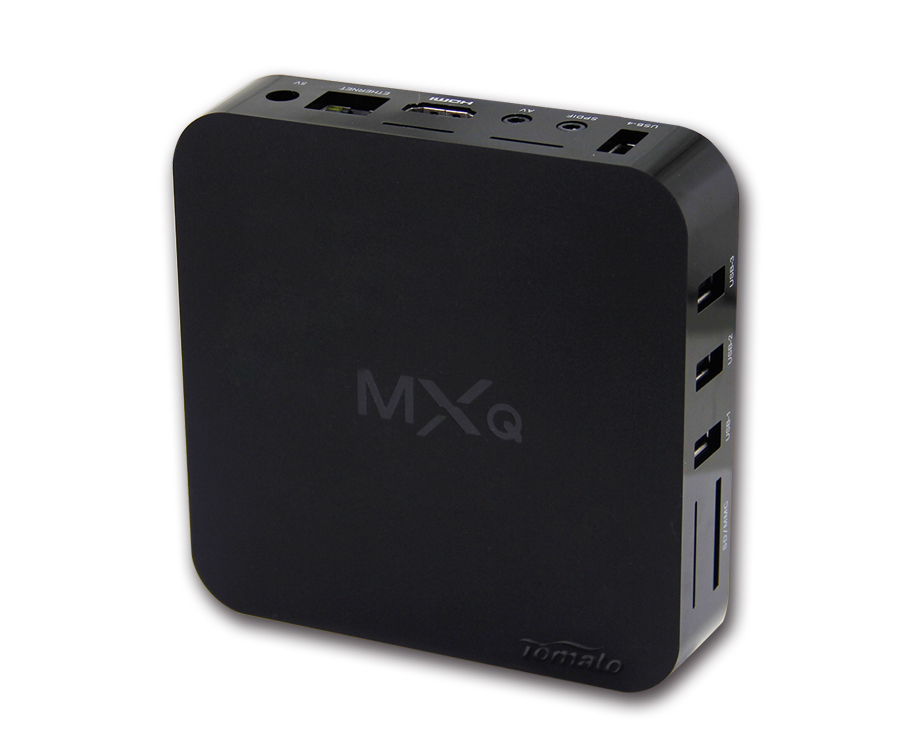
The physical setup begins with the HDMI interface, but the technical complexity lies in the EDID (Extended Display Identification Data) handshake. A professional-grade Streaming Media Player must automatically negotiate the optimal resolution and refresh rate with the display, whether it’s a 4K commercial panel or a legacy hotel monitor.
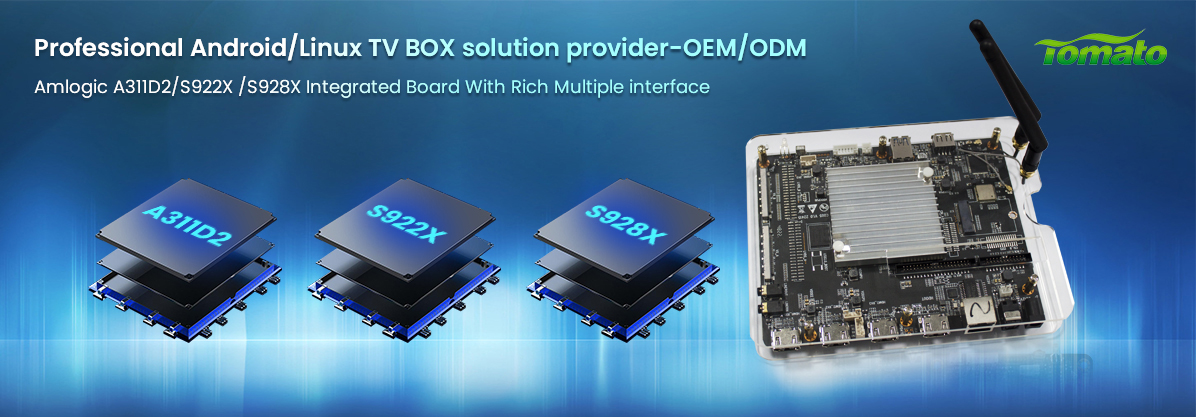
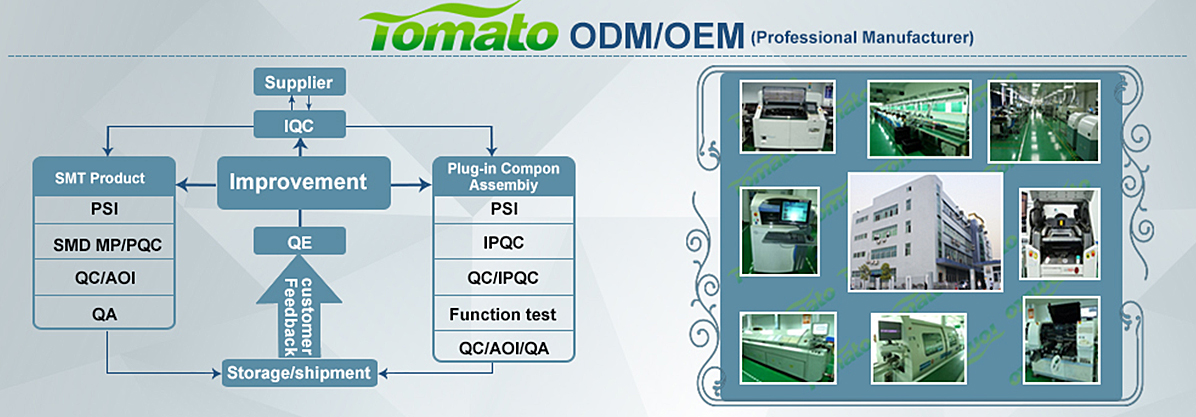
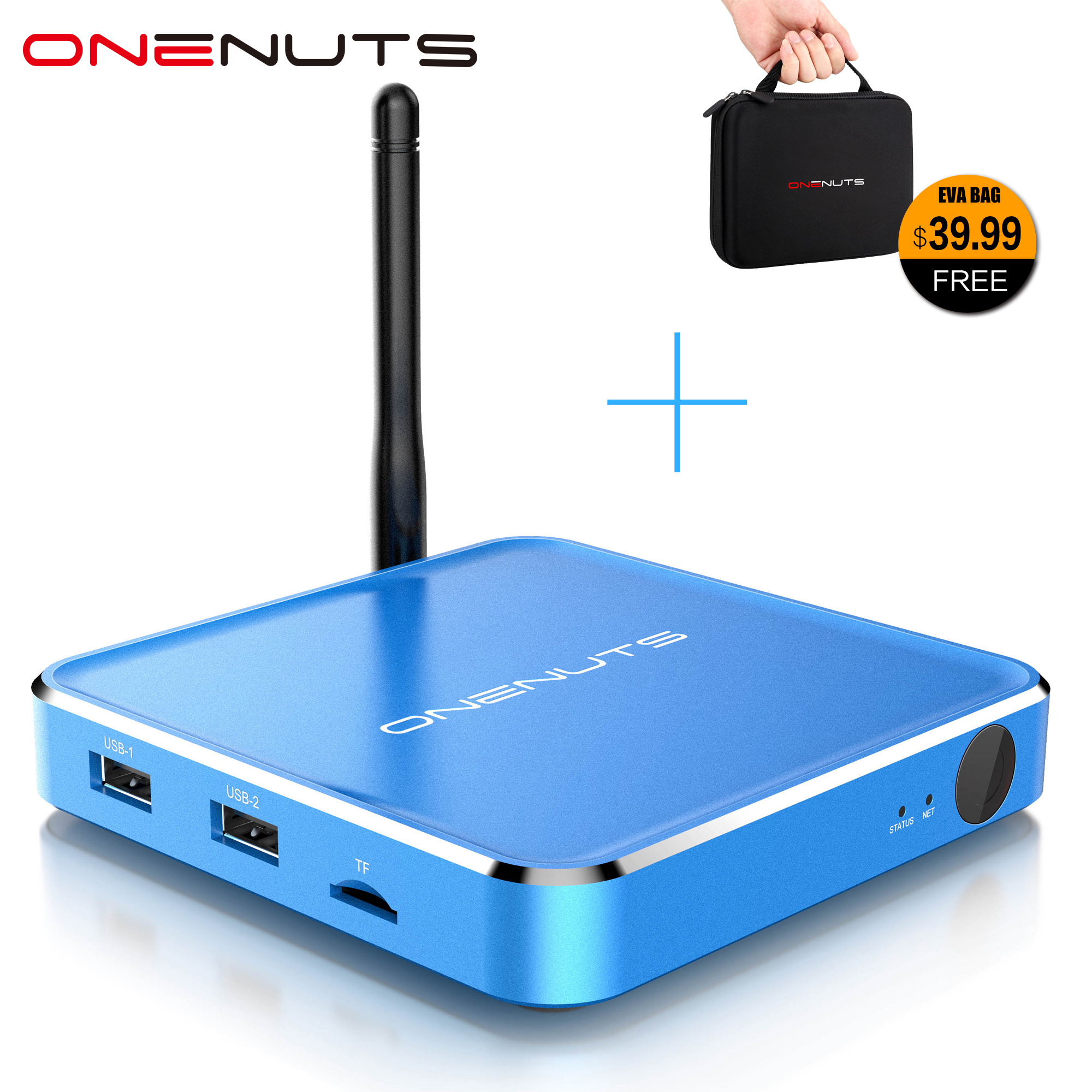
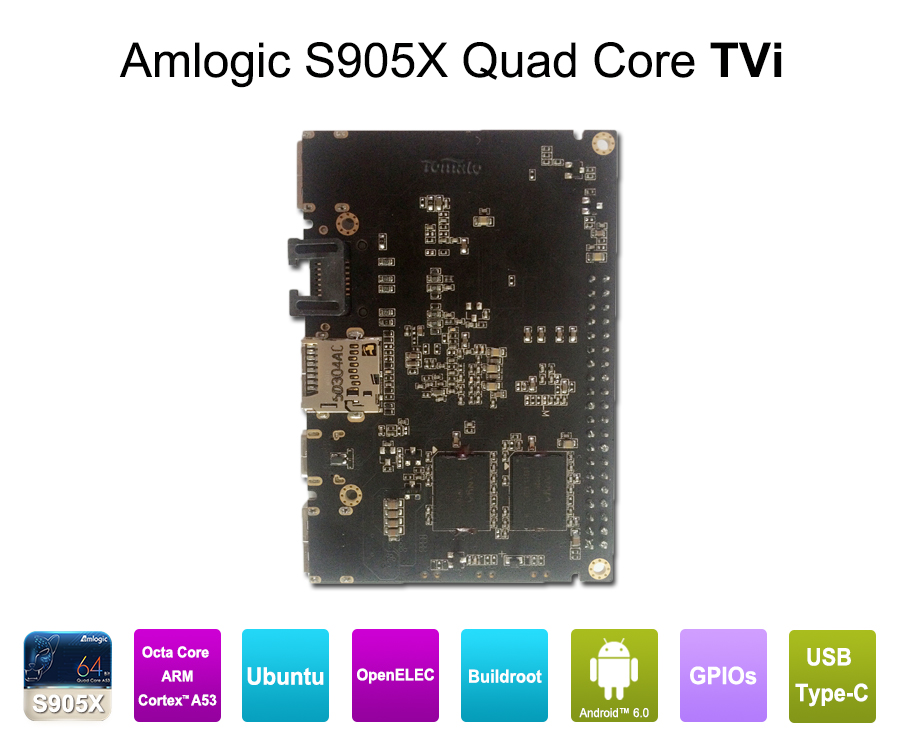
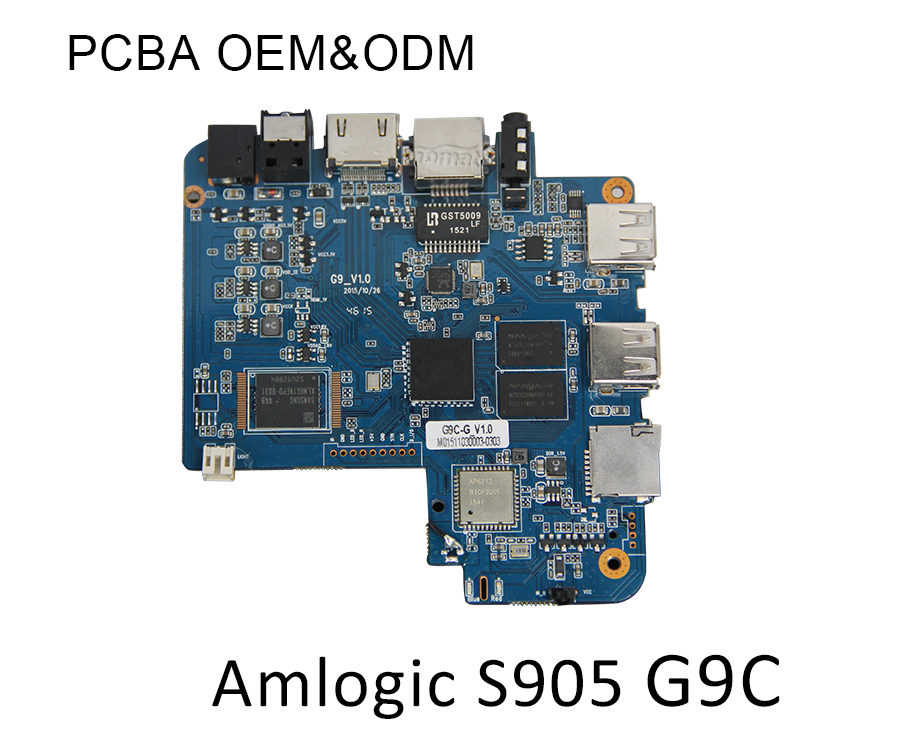
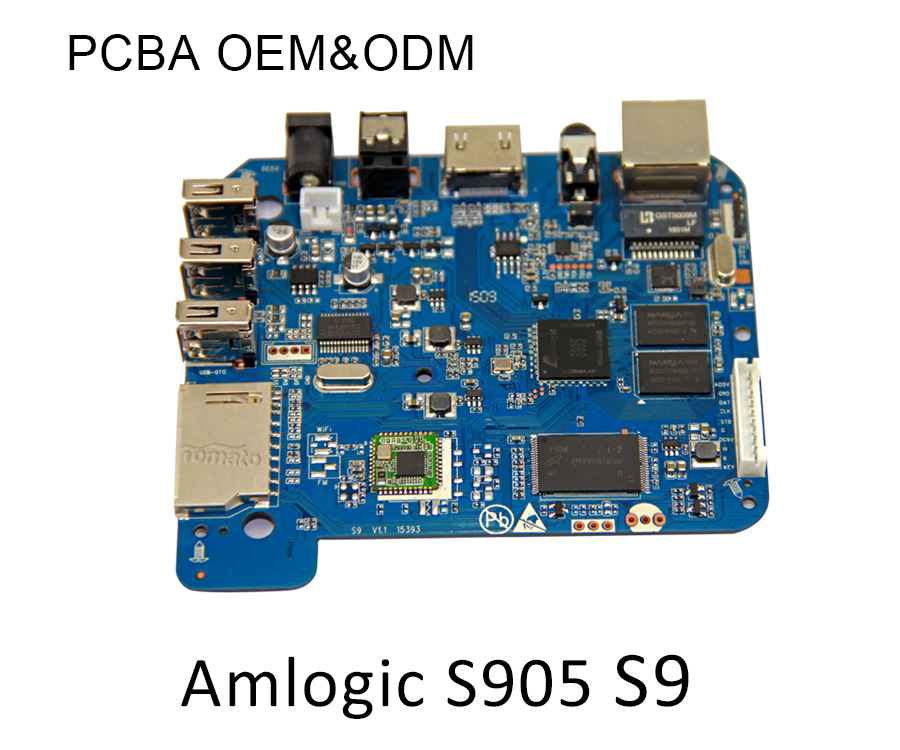
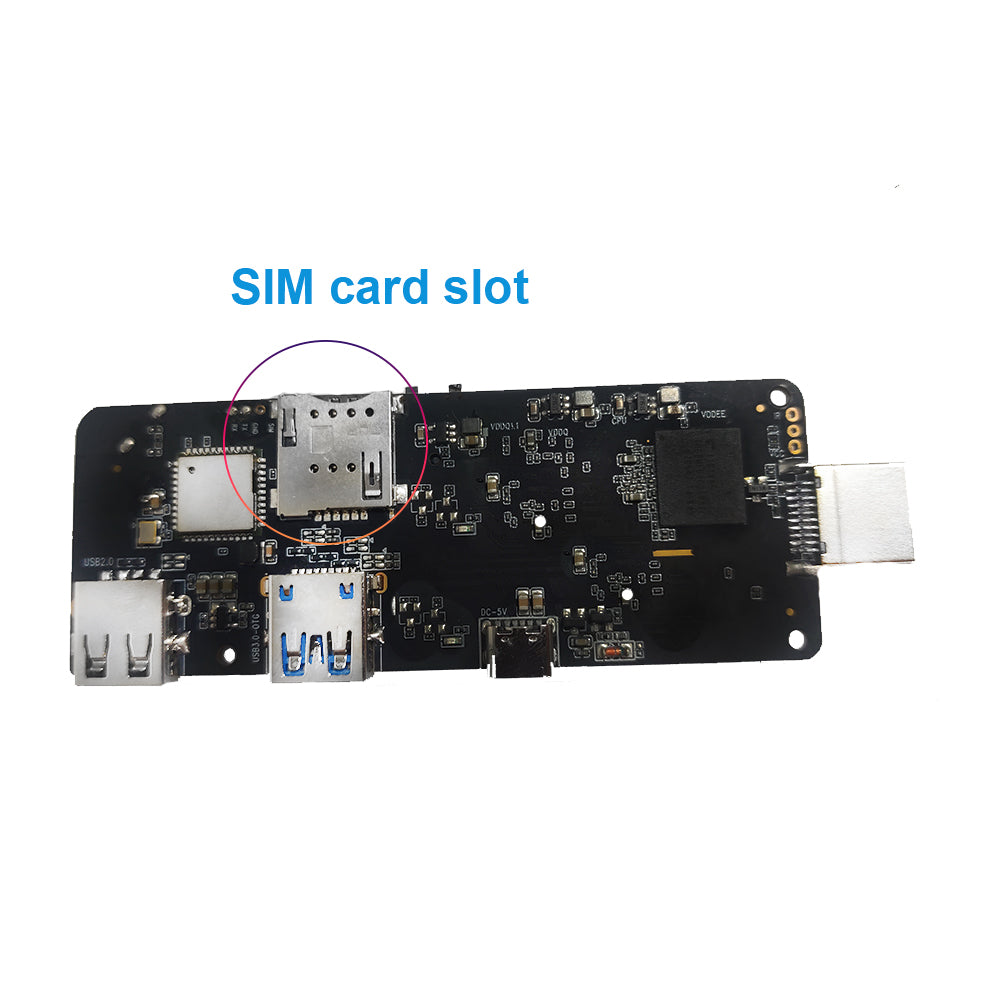
At SZTomato, we solve deployment friction at the source. Our OEM services allow for specific hardware modifications, such as adding specialized RS232 ports for centralized control or modifying the PCBA to include external Wi-Fi antennas for environments with high RF interference. By customizing the hardware to the specific environment, the "physical setup" becomes foolproof for the end-user.
2. Network Configuration: Beyond Basic Wi-Fi
Reliable content delivery depends on how the Streaming Media Player handles data packets. During setup, configuring the DHCP vs. Static IP settings is crucial for managed networks in hospitals or corporate offices.
For mass-scale operations, SZTomato offers firmware-level network presets. We can pre-configure devices to prioritize Ethernet (RJ45) stability or integrate specialized VPN/Proxy settings directly into the Android OS. This ensures that when the device is powered on, it connects to your proprietary content delivery network (CDN) without manual intervention, providing a "Zero-Touch" deployment experience.
3. Software Personalization and Launcher Optimization
The first thing a user sees is the launcher. A standard Android interface is often too cluttered for branded services. This is where firmware customization becomes a strategic asset.
Through our ODM solutions, we develop custom launchers that lock the user into your ecosystem. During the initial setup:
-
Custom Boot Animations: Your brand logo appears the moment the device starts.
-
Pre-installed APKs: Your streaming service is the default, non-removable application.
-
OTA (Over-the-Air) Updates: We set up dedicated servers so your devices receive background firmware patches without bothering the user, ensuring the setup remains optimized for years.
4. Remote Management and Post-Setup Scalability
Once the initial "Plug-and-Play" is complete, the challenge shifts to maintenance. Professional setups utilize Mobile Device Management (MDM). SZTomato integrates deep-level permissions into the OS, allowing operators to remotely troubleshoot setup issues, reset configurations, or push new content packages to thousands of Streaming Media Players simultaneously.
The SZTomato Advantage: Streamlining Your Deployment
Setting up a Streaming Media Player shouldn't be a hurdle for your customers; it should be the gateway to your service. Shenzhen Tomato Technology Co., Ltd (SZTomato) has spent over a decade perfecting the balance between high-performance hardware and flexible software. From bespoke PCBA design to customized retail packaging that aligns with your brand’s aesthetic, we provide the infrastructure so you can focus on the content.
