
How do Streaming Media Player work?
1. What Is a Streaming Media Player and What Does It Actually Do?
The adoption of AV1 decoding, 4K HDR content, and higher-bitrate streaming services has changed the hardware requirements of streaming devices. A platform designed for basic H.264 playback may struggle with newer codec workloads, even when its network connection is sufficiently fast.
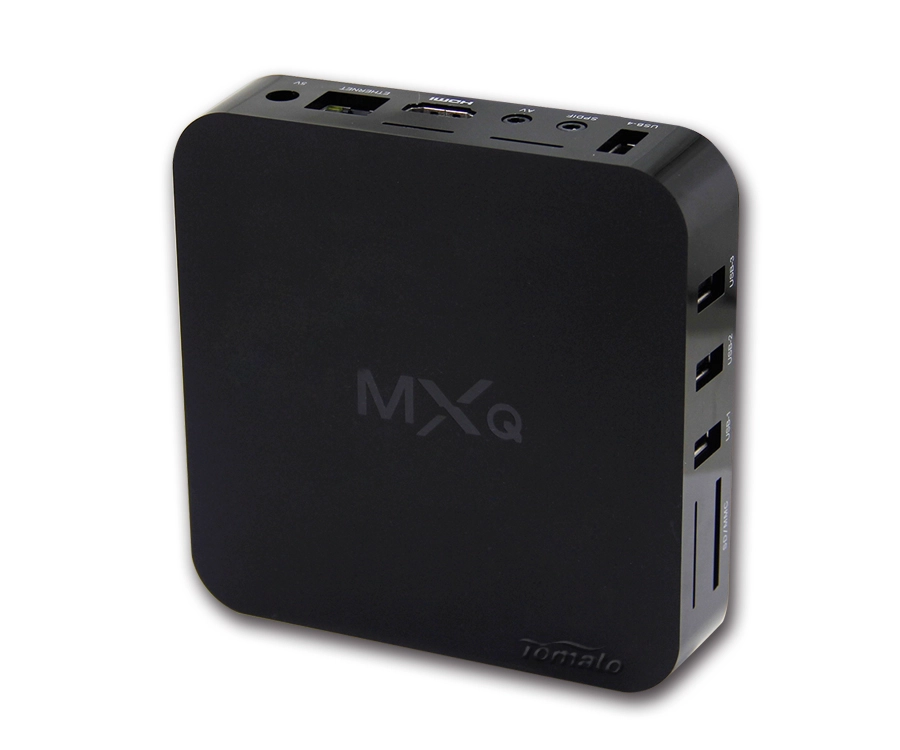
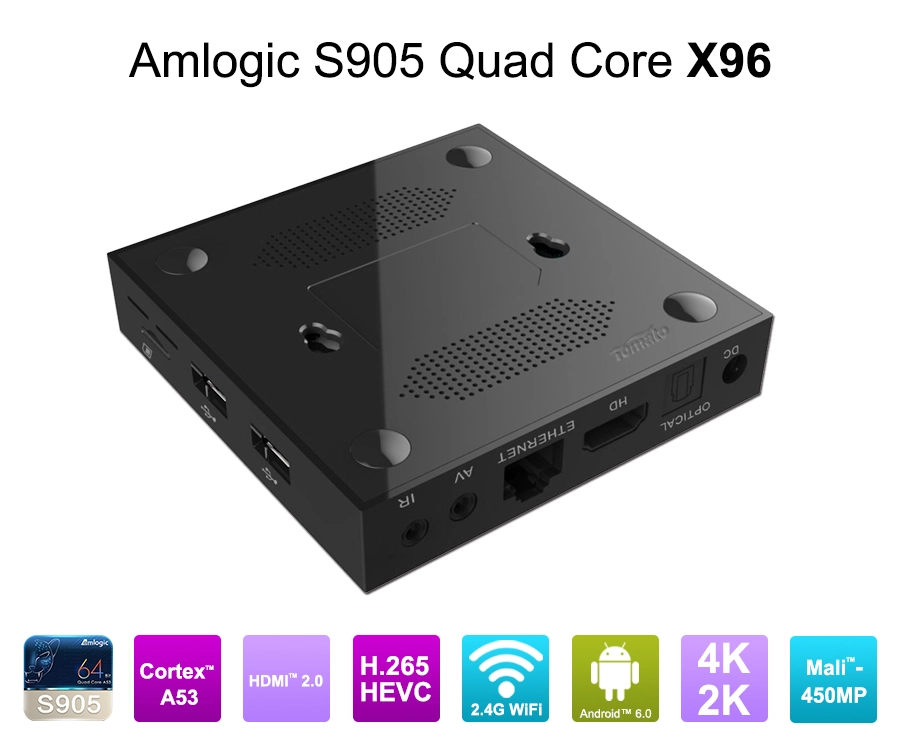
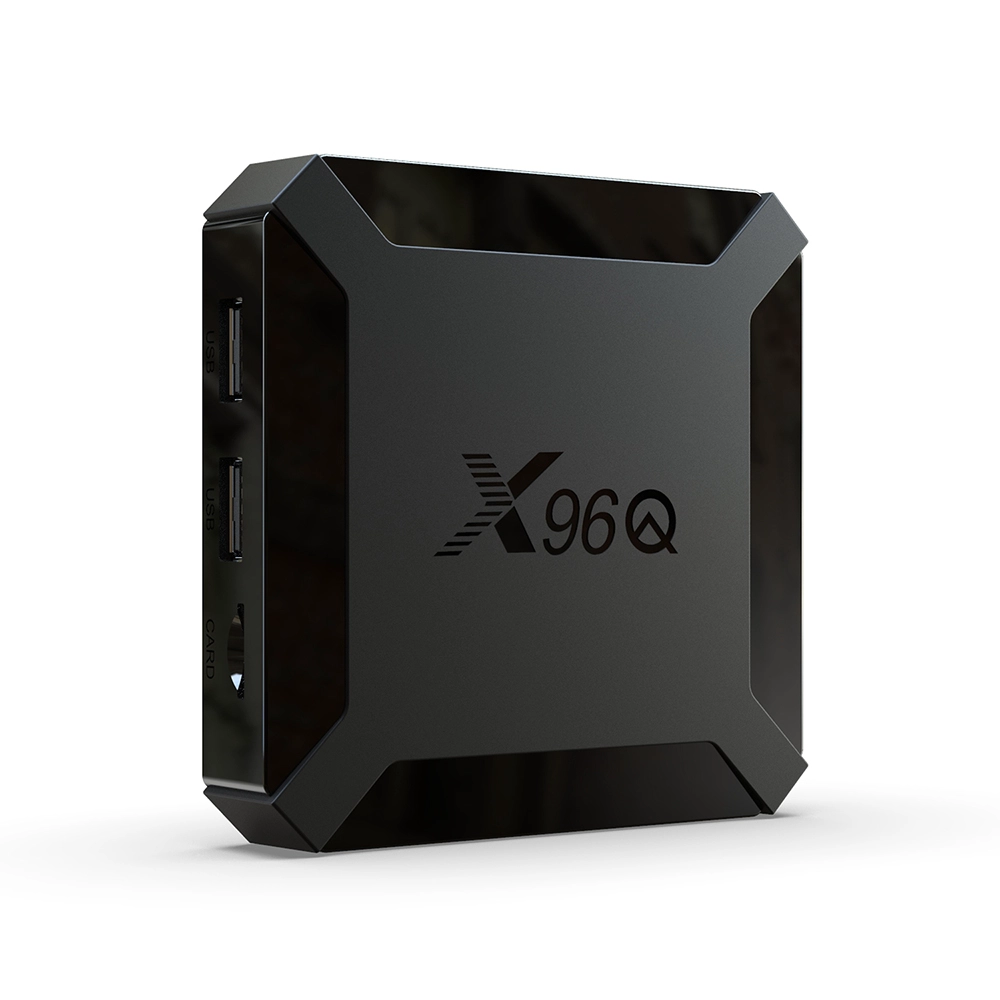
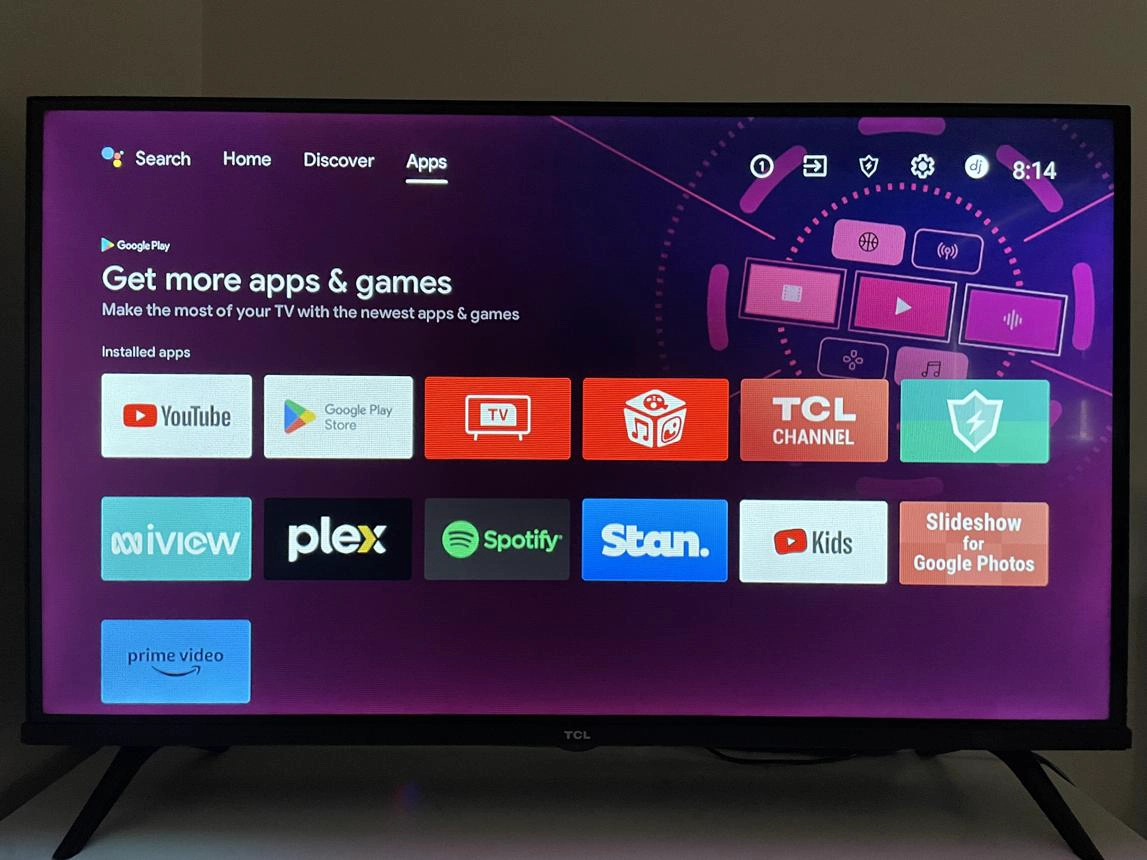
A Streaming Media Player is an electronic device that receives digital media content over a network or local storage, processes the incoming data, decodes compressed audio and video, and outputs the resulting signals to a display or audio system.
Unlike a traditional media player that primarily reads files from local storage, a network-connected Streaming Media Player performs several operations simultaneously:
-
Establishes communication with streaming servers.
-
Receives compressed audio and video data.
-
Buffers incoming media segments.
-
Decodes video and audio using dedicated hardware or software.
-
Synchronizes audio and video playback.
-
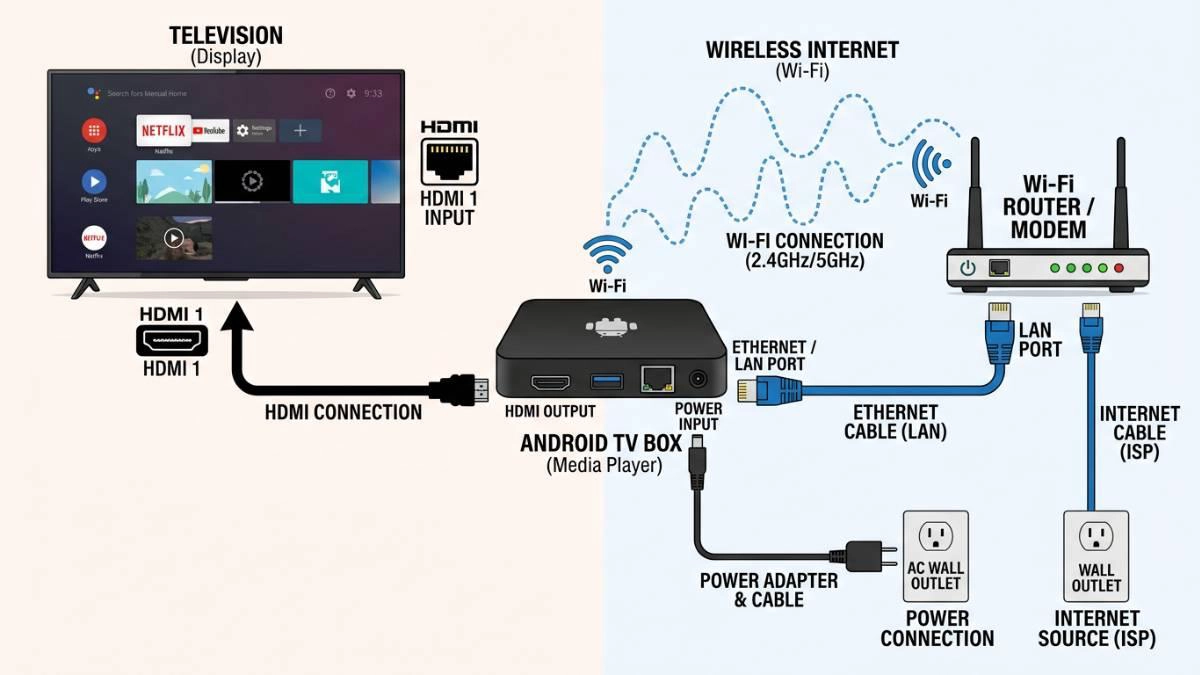
Outputs processed signals through HDMI, Ethernet-connected displays, or other interfaces.
-
Manages applications, user interfaces, security, and firmware operations.
1.1 The Core Architecture of a Streaming Media Player
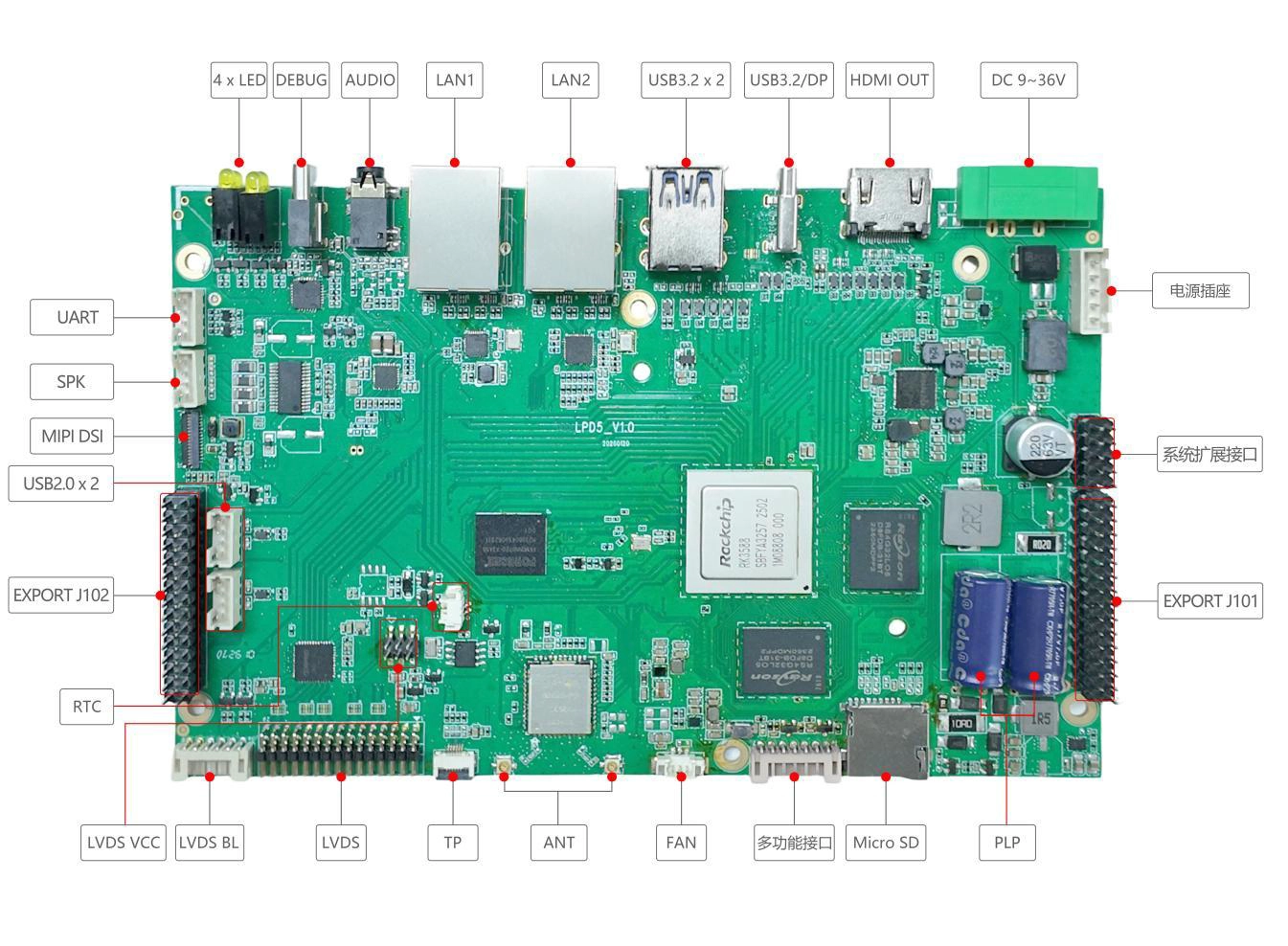
A commercial Streaming Media Player typically consists of six interconnected technical layers.
|
Component |
Main Function |
Engineering Consideration |
|---|---|---|
|
SoC processor |
Controls system operations and media processing |
CPU architecture and GPU performance |
|
Video decoder |
Processes compressed video streams |
AV1, H.265, VP9, H.264 support |
|
RAM and storage |
Stores operating data and buffers media |
Memory bandwidth and capacity |
|
Network module |
Connects to streaming servers |
Wi-Fi, Ethernet, Bluetooth |
|
Operating system |
Runs applications and manages hardware |
Android or Linux optimization |
|
Audio/video interfaces |
Delivers media to external equipment |
HDMI, HDCP, HDR, audio passthrough |
The System-on-Chip (SoC) is the central processing component. It integrates CPU cores, GPU resources, video decoding engines, memory controllers, and peripheral interfaces into one platform.
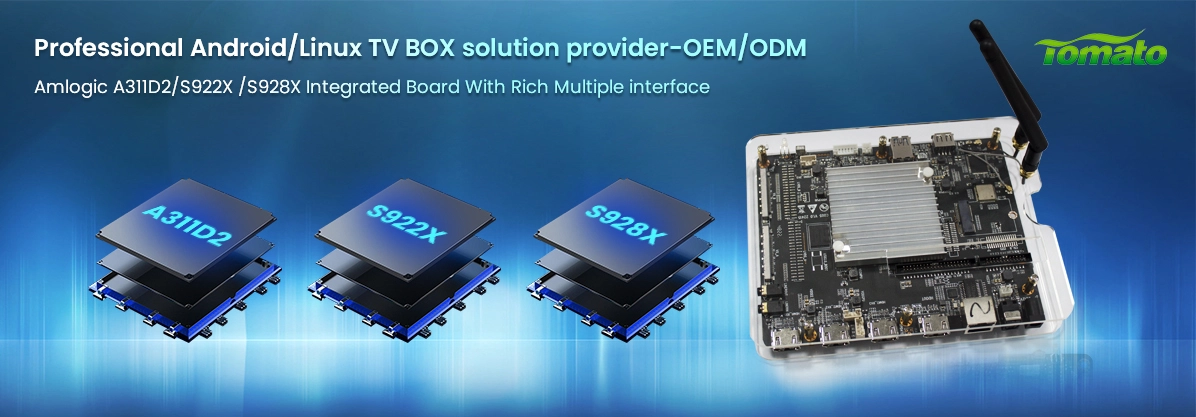
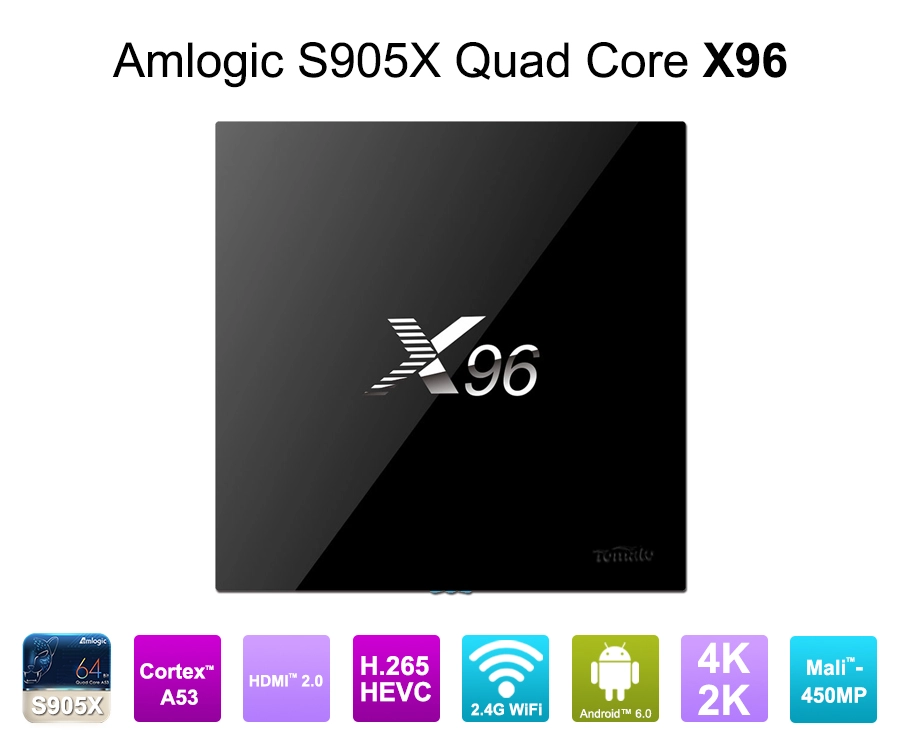
For example, Amlogic-based platforms are widely used in Android TV Box and OTT hardware development. Rockchip platforms are also relevant for commercial multimedia applications, particularly where additional interfaces, computing resources, or customized Linux environments are required.
The correct chipset depends on the application rather than the highest advertised processor specification.
A hospitality IPTV deployment, for example, may prioritize Ethernet stability, centralized device management, and long-term firmware support. A 4K commercial streaming application may require stronger video decoding capabilities, HDR processing, and reliable thermal management.
1.2 Streaming Media Player vs. Traditional Media Player
The fundamental difference is how content reaches the device.
A traditional media player primarily processes locally stored files from USB drives, memory cards, or internal storage.
A Streaming Media Player retrieves content from remote servers through an IP network. It must therefore manage network latency, buffering, adaptive bitrate selection, authentication, and content protection.
Modern devices often combine both functions, supporting local playback alongside OTT streaming, IPTV applications, and network-based media libraries.
2. How Does a Streaming Media Player Work? The Complete Playback Process
The playback process involves several technical stages. Each stage affects image quality, startup time, playback continuity, and overall system reliability.
2.1 Step One: Connecting to a Content Server
When a user launches a streaming application, the device first establishes a network connection.
The Streaming Media Player may connect through:
-
Dual-band Wi-Fi.
-
Gigabit Ethernet.
-
Standard Ethernet interfaces.
-
Cellular connectivity through an integrated modem or external module.
The application communicates with a content delivery platform using network protocols such as HTTPS. Depending on the streaming service, the device may also communicate with authentication servers, license servers, and content delivery networks (CDNs).
The CDN distributes media content across geographically distributed servers to reduce latency and improve delivery efficiency.
For commercial applications, Ethernet is often preferable when network infrastructure permits it. It provides a more predictable connection than wireless networking, particularly in hotels, conference facilities, and digital signage installations.
2.2 Step Two: Receiving and Buffering Video Data
Streaming platforms generally do not transmit an entire movie as one continuous file.
Instead, they commonly divide content into smaller segments. Adaptive streaming technologies such as HLS and MPEG-DASH allow the player to request different media segments based on network conditions and available bandwidth.
The player maintains a buffer in system memory.
The buffer serves several purposes:
-
Absorbs temporary network fluctuations.
-
Reduces playback interruptions.
-
Provides data to the decoder at a consistent rate.
-
Supports transitions between different streaming bitrates.
A poorly optimized buffering strategy can create noticeable startup delays or repeated playback interruptions.
For OEM projects, memory configuration and firmware optimization must be evaluated together. Increasing RAM alone does not automatically resolve network-related buffering problems.
2.3 Step Three: Decoding Compressed Video and Audio
Video files and streaming data are compressed to reduce transmission bandwidth.
The Streaming Media Player must decode the compressed data before it can be displayed.
Common video codecs include:
|
Video Codec |
Typical Application |
|---|---|
|
H.264 / AVC |
Broad compatibility and established streaming platforms |
|
H.265 / HEVC |
4K video and bandwidth-efficient delivery |
|
VP9 |
Web-based and high-resolution video |
|
AV1 |
Next-generation efficient video streaming |
Dedicated hardware video decoding is particularly important for 4K and higher-resolution applications.
A CPU-based software decoder may consume substantial processing resources when handling high-resolution video. A dedicated video decoding engine can perform supported codec operations more efficiently, leaving the CPU available for application execution and background tasks.
However, codec support must be verified at the hardware and software levels. A chipset advertising AV1 capability does not necessarily guarantee support for every AV1 profile, bit depth, chroma format, or resolution.
For procurement teams, the actual decoder specification is more useful than a general statement such as 8K support.
2.4 Step Four: Processing HDR, Audio, and Video Synchronization
After decoding, the media pipeline processes video output and audio signals.
Depending on the SoC and firmware configuration, video processing may include:
-
HDR10 and HDR10+ processing.
-
Dolby Vision support where appropriately licensed.
-
Color space conversion.
-
Resolution scaling.
-
Frame-rate conversion.
-
Image enhancement.
Audio processing can support PCM, Dolby Digital, Dolby Digital Plus, DTS, and other formats, subject to chipset capability, software implementation, and licensing requirements.
Audio and video synchronization is another important engineering requirement.
The system uses presentation timestamps and playback clocks to maintain synchronization between audio and video streams. Poor synchronization can result in lip-sync errors, particularly during long playback sessions or when external audio equipment introduces additional processing delay.
For professional installations, HDMI audio passthrough and compatibility with external AV receivers should be tested as part of the complete system.
2.5 Step Five: Delivering the Final Output Through HDMI
Once the media data has been processed, the device sends audio and video signals to the display.
HDMI provides the primary connection for most consumer and commercial Streaming Media Players.
Several technical elements determine output compatibility:
HDMI bandwidth: The interface must support the required resolution, refresh rate, and color format.
HDCP protection: High-bandwidth Digital Content Protection helps prevent unauthorized copying of protected digital content. The supported HDCP version must match the requirements of the content platform and connected display chain.
HDR compatibility: The source device, HDMI connection, and display must support compatible HDR formats.
EDID communication: The player reads the display's Extended Display Identification Data to determine supported video and audio modes.
In commercial projects, HDMI compatibility should be tested with actual televisions, monitors, AV receivers, and signal distribution equipment rather than relying exclusively on laboratory specifications.
3. What Hardware and Software Determine Streaming Media Player Performance?
A Streaming Media Player is only as reliable as the interaction between its hardware, operating system, firmware, and thermal design.
For B2B manufacturers and procurement managers, evaluating these elements is more important than comparing processor clock speeds alone.
3.1 SoC Selection: Matching Processing Capability to Application Requirements
The SoC determines the fundamental capabilities of the Streaming Media Player.
Key selection criteria include:
-
CPU core architecture and processing performance.
-
GPU architecture and graphics acceleration.
-
Hardware video decoder specifications.
-
Memory controller and supported RAM.
-
HDMI output capabilities.
-
Integrated network and peripheral interfaces.
-
Power consumption and thermal characteristics.
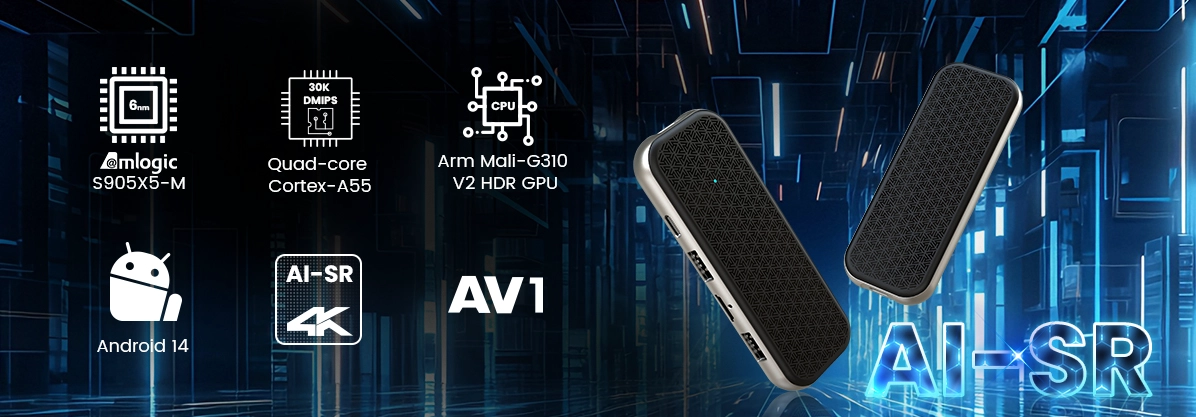
For example, a commercial IPTV player may operate efficiently with a cost-optimized quad-core ARM Cortex-A55 platform.
A more demanding multimedia application involving complex UI rendering, multiple display outputs, AI processing, or advanced graphics may require a higher-performance platform.
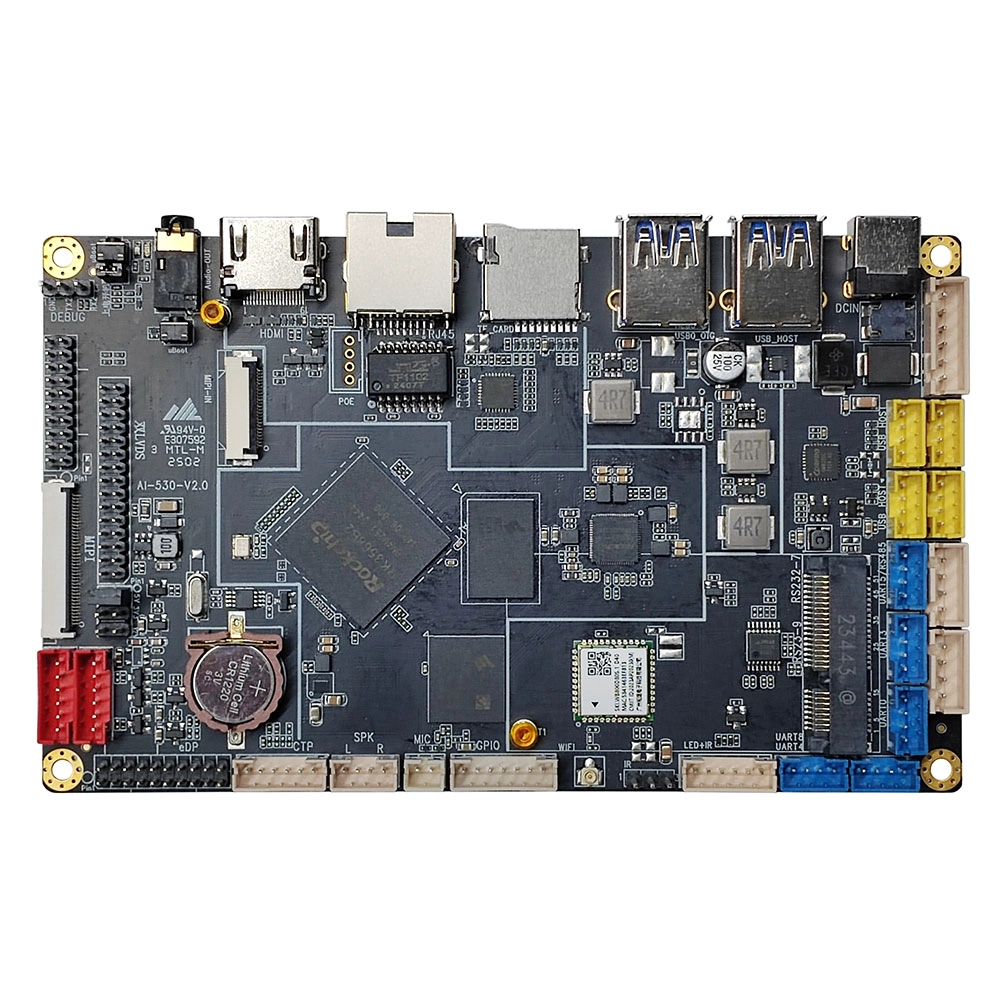
Rockchip and Amlogic offer different platform options, and the selection should be based on application requirements, software compatibility, component availability, and long-term product planning.
3.2 PCBA Design and Component Integration
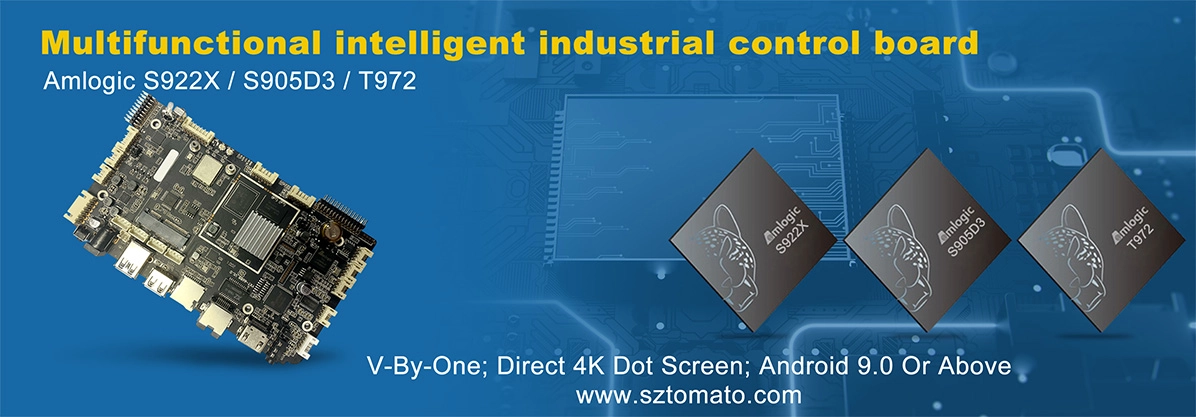
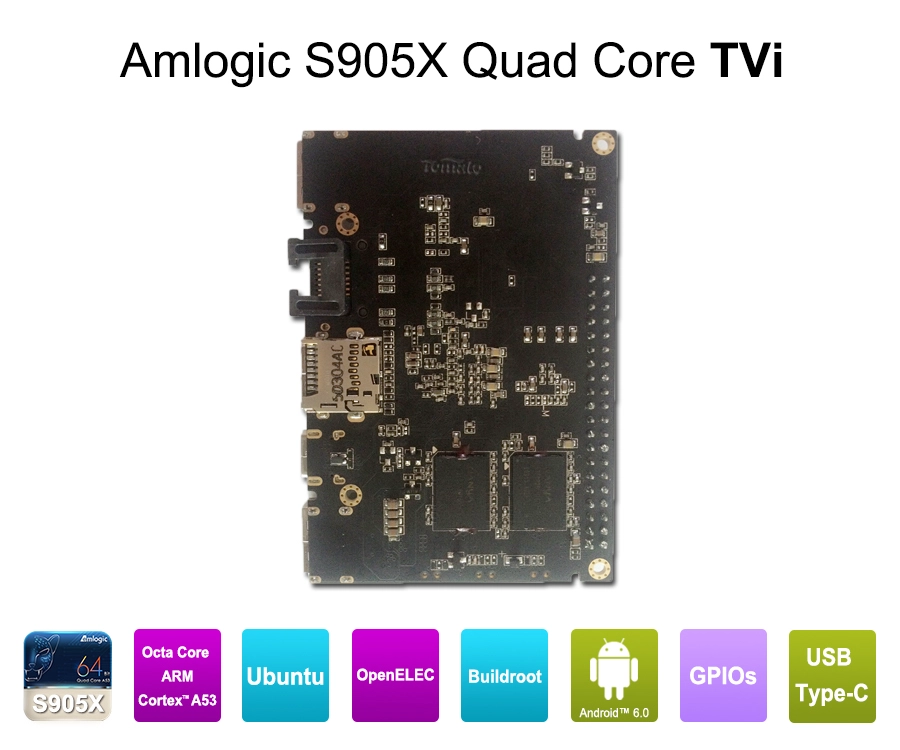
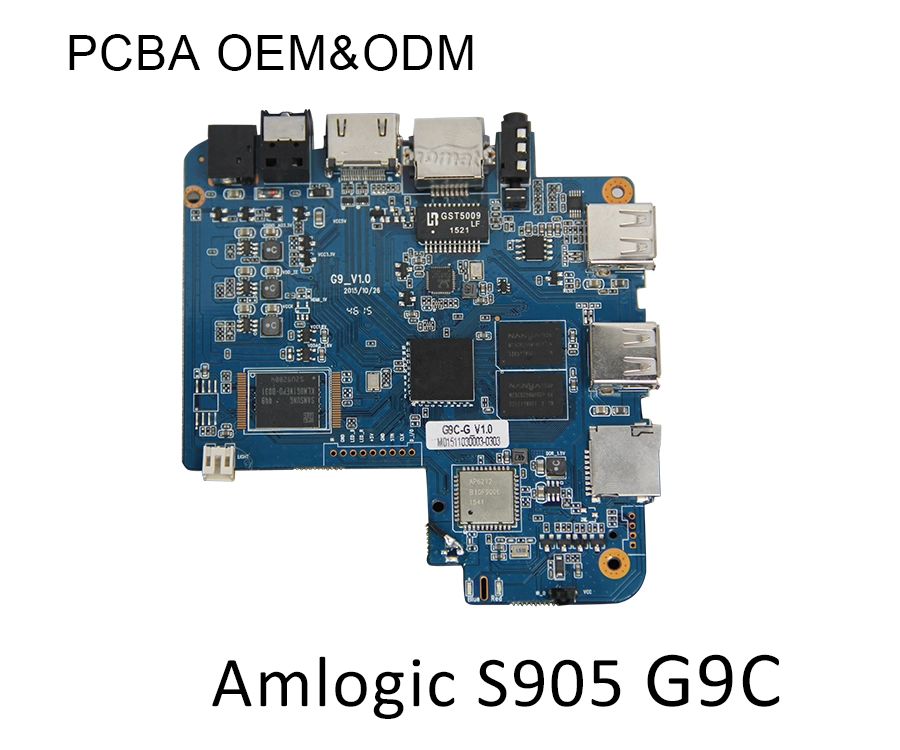
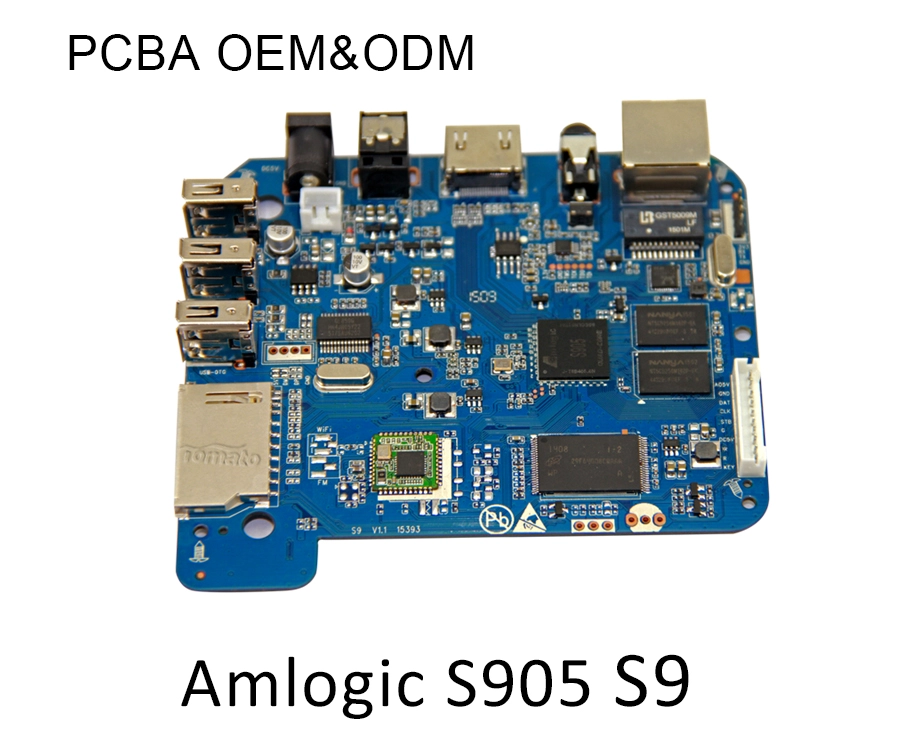
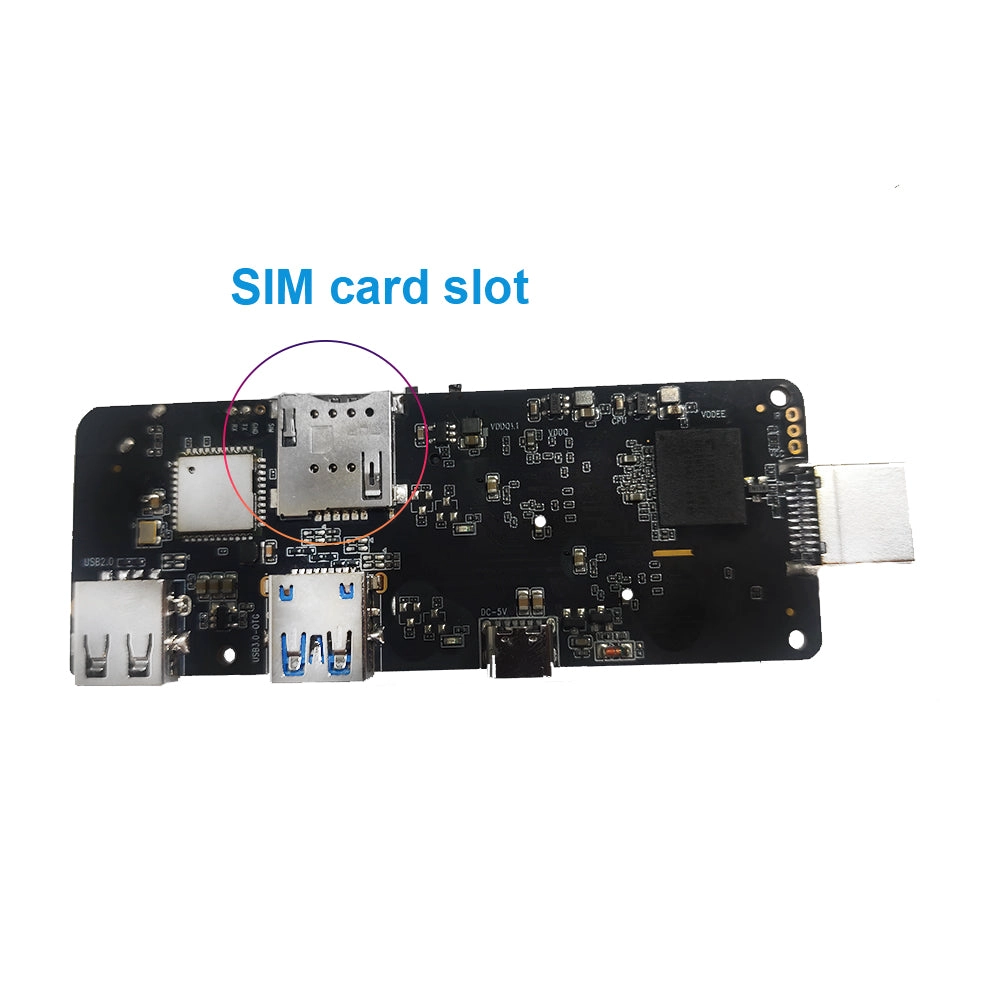
The Printed Circuit Board Assembly (PCBA) determines how the SoC, RAM, storage, power management, networking, and external interfaces work together.
A reference PCBA design can accelerate initial product development, but it may not address every application-specific requirement.
Common customization requirements include:
Interface modification: Adding or modifying USB, UART, GPIO, Ethernet, HDMI, MIPI, or other interfaces according to project requirements.
Power management: Optimizing power delivery, voltage regulation, and standby consumption.
Wireless performance: Adjusting antenna placement and RF layout to improve signal quality.
Memory configuration: Selecting suitable LPDDR or DDR memory and eMMC storage capacity.
EMI optimization: Improving PCB layout and component placement to reduce electromagnetic interference.
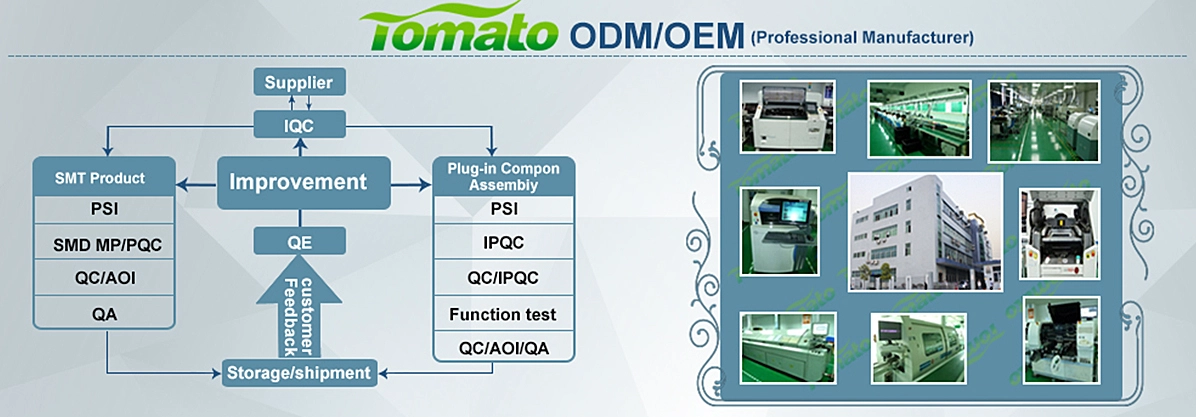
SZTomato provides PCBA hardware modification for OEM/ODM Streaming Media Player projects. Rather than restricting development to an unchanged reference board, the engineering team can adapt the hardware configuration to the intended deployment.
3.3 Android and Linux Firmware Optimization
The operating system controls the interaction between applications and hardware.
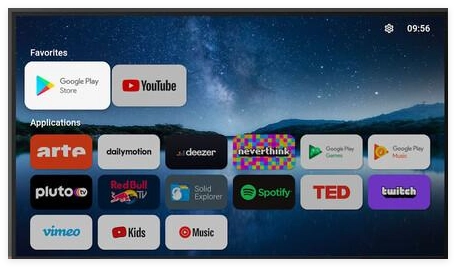
Android is widely used in Streaming Media Players because of its application ecosystem, multimedia framework, and flexible user-interface development capabilities.
Linux is also suitable for dedicated IPTV terminals, commercial media playback, embedded multimedia systems, and specialized applications requiring greater control over the software environment.
Important software engineering areas include:
|
Software Layer |
Engineering Function |
|---|---|
|
Bootloader |
Initializes hardware and starts the operating system |
|
Linux/Android kernel |
Manages hardware resources and device drivers |
|
HAL |
Connects software frameworks with hardware components |
|
Media framework |
Controls audio and video playback |
|
DRM framework |
Handles protected content and license integration |
|
Launcher/UI |
Provides navigation and application access |
|
OTA system |
Supports remote firmware updates |
Firmware customization can directly affect product differentiation.
For example, a hospitality operator may require a branded launcher, customized boot animation, remote configuration, and restricted application access.
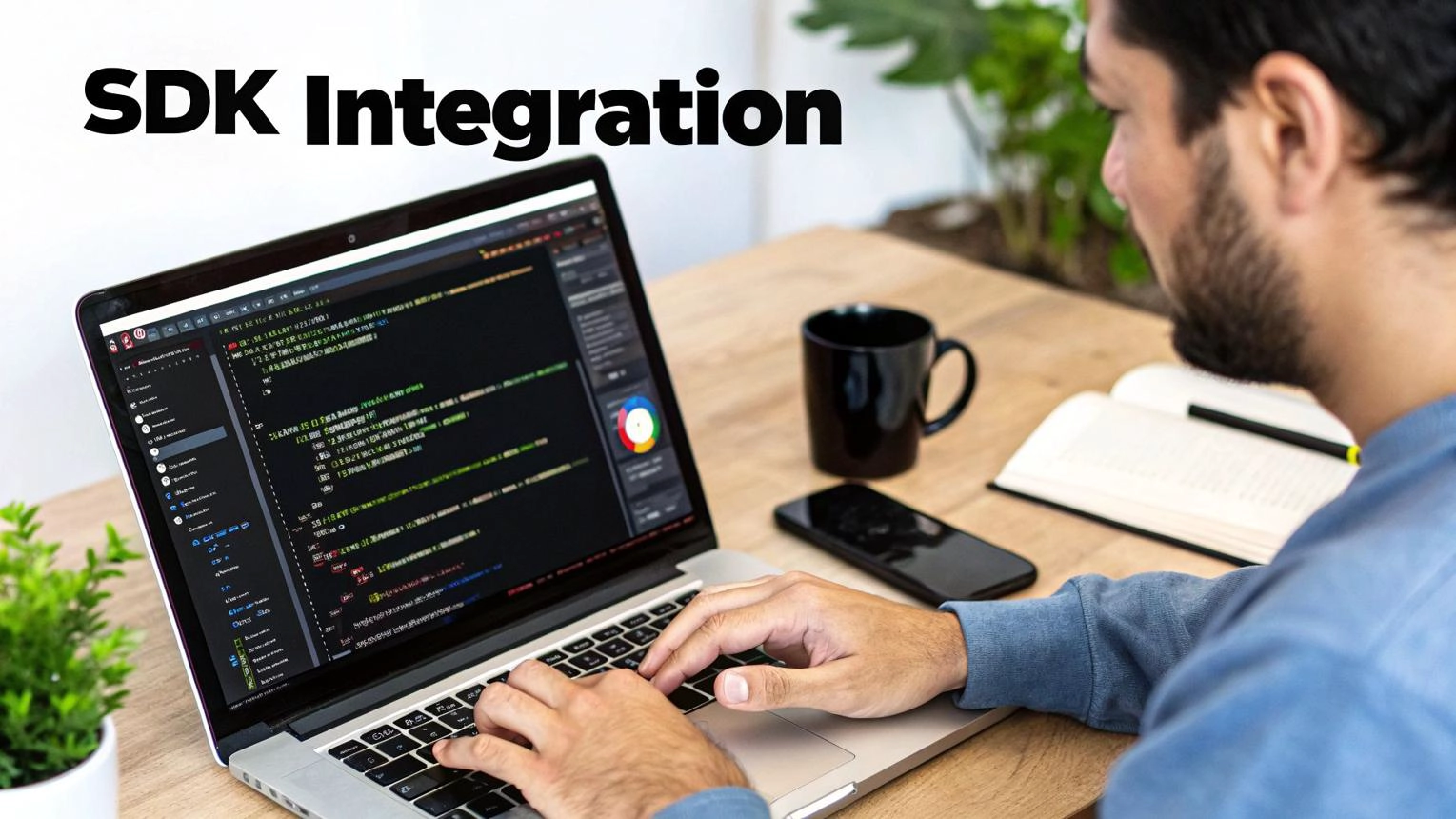
An IPTV service provider may require SDK/API integration with its subscriber management platform, middleware, authentication system, or remote device management infrastructure.
SZTomato supports custom UI/UX firmware development, SDK/API integration, and system-level optimization to align the Streaming Media Player with specific project requirements.
3.4 Thermal Management and Long-Term Reliability
Thermal design is frequently underestimated during early hardware development.
A Streaming Media Player operating continuously in a digital signage installation or commercial environment may experience sustained CPU, GPU, and video-decoding workloads.
Insufficient heat dissipation can cause:
-
CPU and GPU thermal throttling.
-
Reduced processing performance.
-
Unstable long-duration playback.
-
Accelerated component aging.
-
Unexpected system shutdowns.
Thermal performance depends on SoC power consumption, PCB layout, enclosure materials, heatsink design, airflow, and ambient temperature.
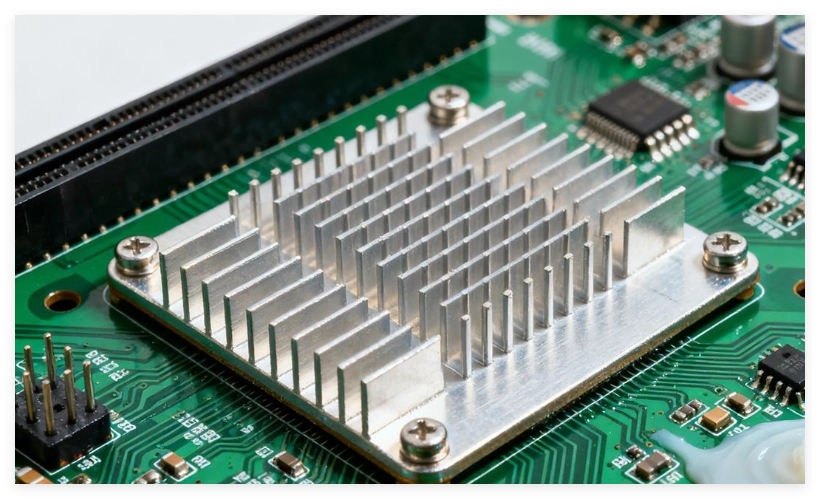
For industrial applications, SZTomato can develop specialized cooling solutions, including customized heatsinks, improved thermal interfaces, and enclosure-level heat dissipation designs.
The objective is not simply to reduce the device's operating temperature. It is to maintain stable performance throughout the intended operating cycle.
4. Streaming Media Player Market Trends and OEM/ODM Development Opportunities
The market is moving beyond basic online video playback. Commercial buyers increasingly expect streaming hardware to support integrated services, centralized management, custom applications, and long-term software maintenance.
4.1 AV1 and Advanced Video Decoding
AV1 adoption is increasing the importance of hardware codec compatibility.
Its improved compression efficiency can reduce bandwidth requirements while maintaining visual quality. However, implementation depends on the complete media platform, including hardware decoding, software framework integration, and content service support.
B2B buyers should verify:
-
Maximum AV1 decoding resolution.
-
Supported frame rates.
-
Bit depth and chroma formats.
-
HDR compatibility.
-
Simultaneous application and decoding performance.
A device specification should describe actual supported configurations rather than simply stating that AV1 is supported.
4.2 IPTV and OTT Convergence
IPTV and OTT services increasingly share similar hardware requirements.
IPTV deployments may rely on managed network infrastructure, multicast streaming, middleware, and operator-controlled applications.
OTT platforms generally use internet-based content delivery, adaptive streaming, and service-specific authentication.
Modern Streaming Media Players can support both models, provided that the hardware, network stack, application environment, and firmware are designed accordingly.
For telecom operators and hospitality providers, this convergence creates opportunities to deploy one customized hardware platform across multiple service scenarios.
4.3 Custom Firmware and Centralized Device Management
Commercial buyers increasingly require control over the entire device lifecycle.
Typical requirements include:
-
Branded startup screens and launchers.
-
Preinstalled applications.
-
Remote application management.
-
OTA firmware updates.
-
Device identification and configuration.
-
Remote diagnostics and log collection.
-
Integration with third-party CMS or IPTV platforms.
OTA update systems are particularly important for large deployments.
A properly engineered OTA solution should consider firmware version control, package verification, update recovery, staged deployment, and rollback mechanisms where supported.
An unreliable update process can turn a minor software change into a large-scale operational problem.
4.4 Why OEM/ODM Engineering Matters
Standard retail Streaming Media Players are designed for broad consumer requirements. Commercial projects often need a different approach.
A procurement manager may require a customized enclosure, additional interfaces, a specific SoC, an operator-controlled launcher, or a firmware image compatible with an existing management platform.
A system integrator may need a stable Linux environment, GPIO control, customized power management, or specialized cooling.
These requirements cannot always be addressed through a standard product configuration.
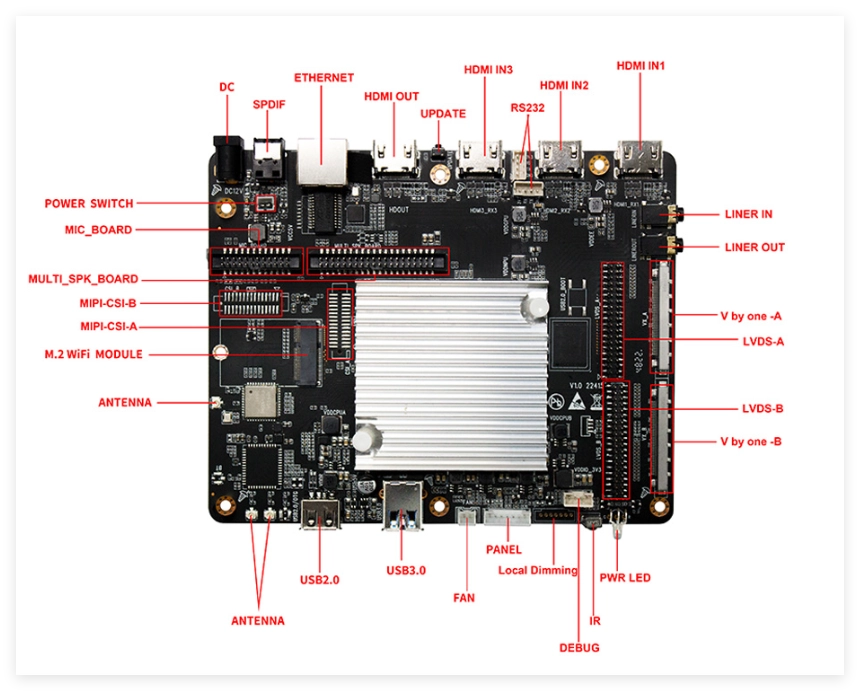
SZTomato focuses on OEM/ODM multimedia hardware development, covering the following engineering areas:
PCBA Hardware Customization
Hardware modification, component selection, interface configuration, power optimization, and PCB engineering.
 Firmware and Operating System Development
Android/Linux optimization, customized boot processes, launcher development, and OTA update integration.
 SDK/API Integration
Integration with IPTV middleware, CMS platforms, enterprise applications, and third-party device management systems.
 Industrial Thermal Engineering
Customized cooling structures and thermal optimization for continuous-operation environments.
The commercial advantage of this approach is greater control over hardware configuration, software functionality, and product lifecycle management.
5. How to Select the Right Streaming Media Player for a B2B Project
Selecting a Streaming Media Player should begin with deployment requirements, not a comparison of product prices.
The following framework helps procurement managers and system integrators evaluate potential hardware suppliers.
|
Evaluation Area |
Questions to Ask |
|---|---|
|
Processor |
Does the SoC meet the actual application workload? |
|
Video decoding |
Does it support the required codecs, resolution, and frame rates? |
|
Memory |
Is RAM sufficient for the operating system and applications? |
|
Connectivity |
Are Ethernet, Wi-Fi, USB, and Bluetooth configurations suitable? |
|
Security |
Are DRM, HDCP, and secure boot requirements addressed? |
|
Firmware |
Can the manufacturer customize the OS and launcher? |
|
Integration |
Are SDKs and APIs available for third-party systems? |
|
Reliability |
Has thermal performance been tested under continuous workloads? |
|
Maintenance |
Does the platform support OTA updates and long-term software maintenance? |
Before placing a mass-production order, buyers should also request engineering samples and conduct application-specific testing.
A practical validation process should include:
-
Functional verification: Test all hardware interfaces, applications, codecs, and output configurations.
-
Network testing: Evaluate streaming stability under different network conditions.
-
Thermal testing: Measure operating temperatures during sustained playback.
-
Compatibility testing: Verify HDMI, HDCP, display EDID, and external audio equipment.
-
Firmware testing: Validate boot time, OTA updates, recovery procedures, and application behavior.
-
Production validation: Confirm PCBA consistency, component quality, and manufacturing quality-control procedures.
This process helps identify design limitations before they become costly problems in commercial deployment.
Conclusion: Build a Streaming Media Player Around Your Business Requirements
A Streaming Media Player works through the coordinated operation of network communication, media buffering, hardware decoding, audio/video processing, operating system management, and HDMI output. Its real-world performance depends on how well these components are engineered as one system.
For consumer applications, standard hardware may be sufficient. For IPTV operators, telecom providers, hospitality groups, digital signage integrators, and multimedia brands, the requirements are more specific.
The right solution may require a different SoC, modified PCBA layout, customized firmware, SDK/API integration, advanced DRM compatibility, or industrial thermal engineering.
SZTomato provides Streaming Media Player OEM/ODM solutions for businesses that need more than an off-the-shelf device. With experience in Android TV Box, IPTV Set-Top Box, digital media hardware, and embedded multimedia development since 2011, SZTomato supports customers from hardware configuration and PCBA modification to firmware development and customized production.
For procurement managers and system integrators planning a new streaming hardware product, the starting point should be a clearly defined technical specification.
Visit www.sztomato.com to discuss your Streaming Media Player project, request OEM/ODM customization, and develop a hardware platform aligned with your application, integration requirements, and target market.
