
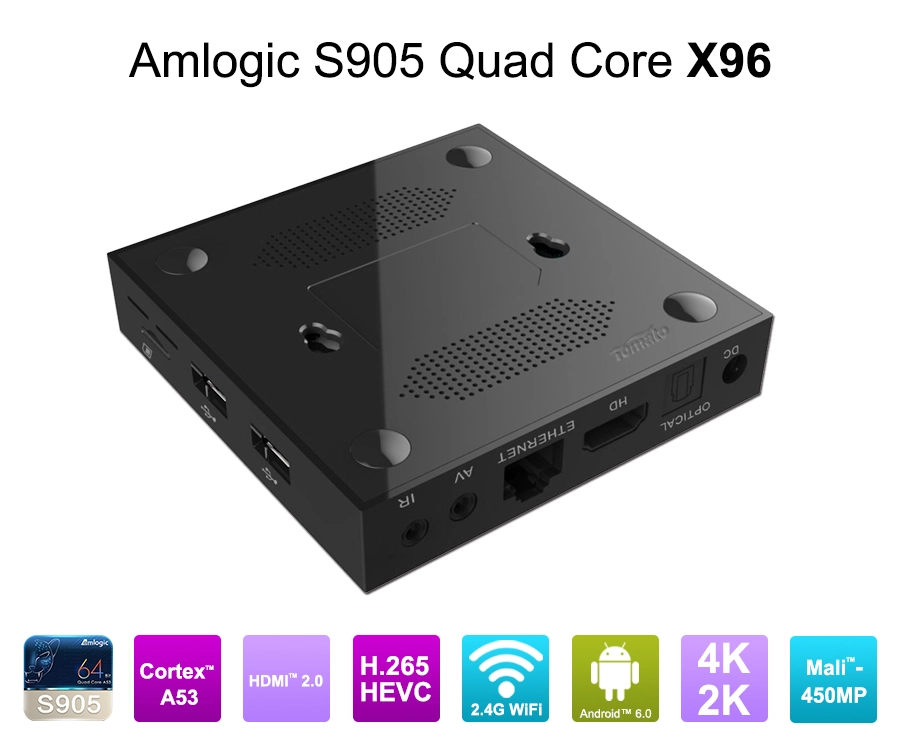
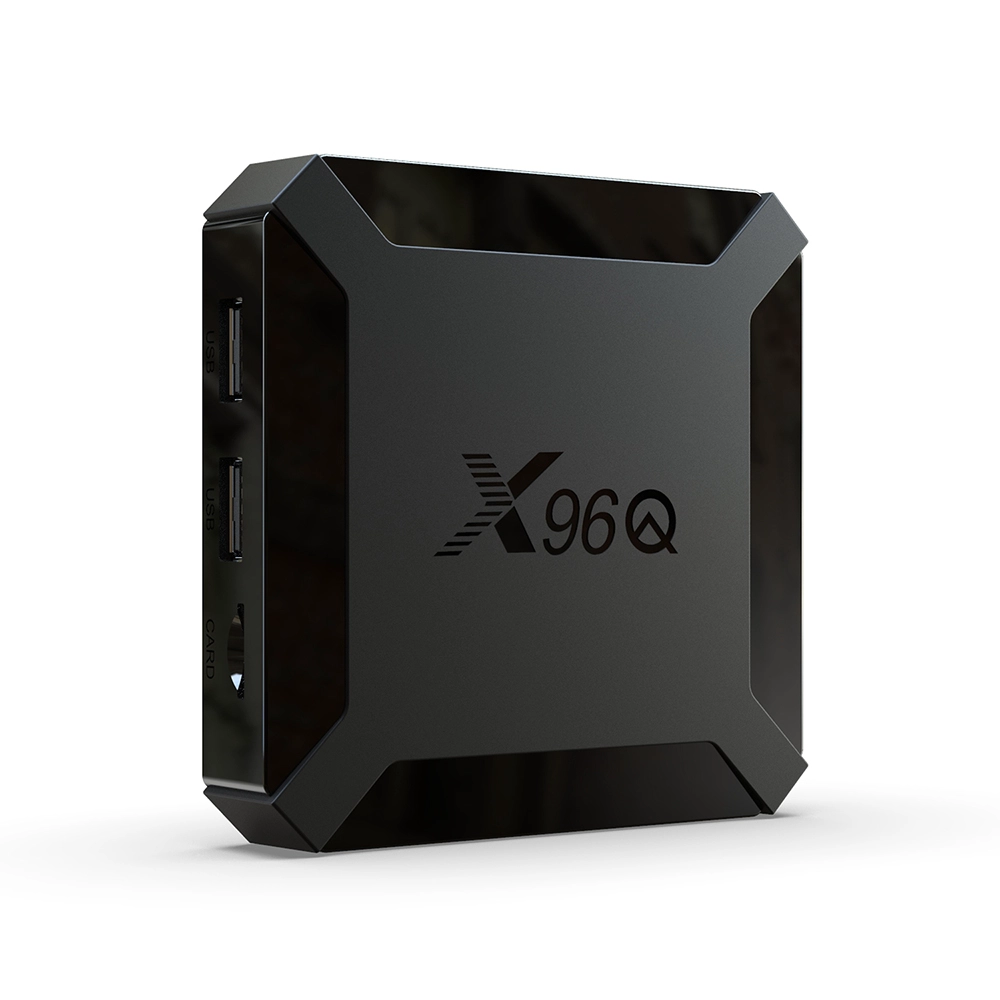
Can You Install Apps on a Smart TV Box? How to Choose, Install, and Customize Applications
1. Can You Install Apps on a Smart TV Box?
Yes. Most Android-based Smart TV Boxes support third-party application installation, although the available installation methods depend on the operating system, firmware configuration, hardware architecture, and application requirements.
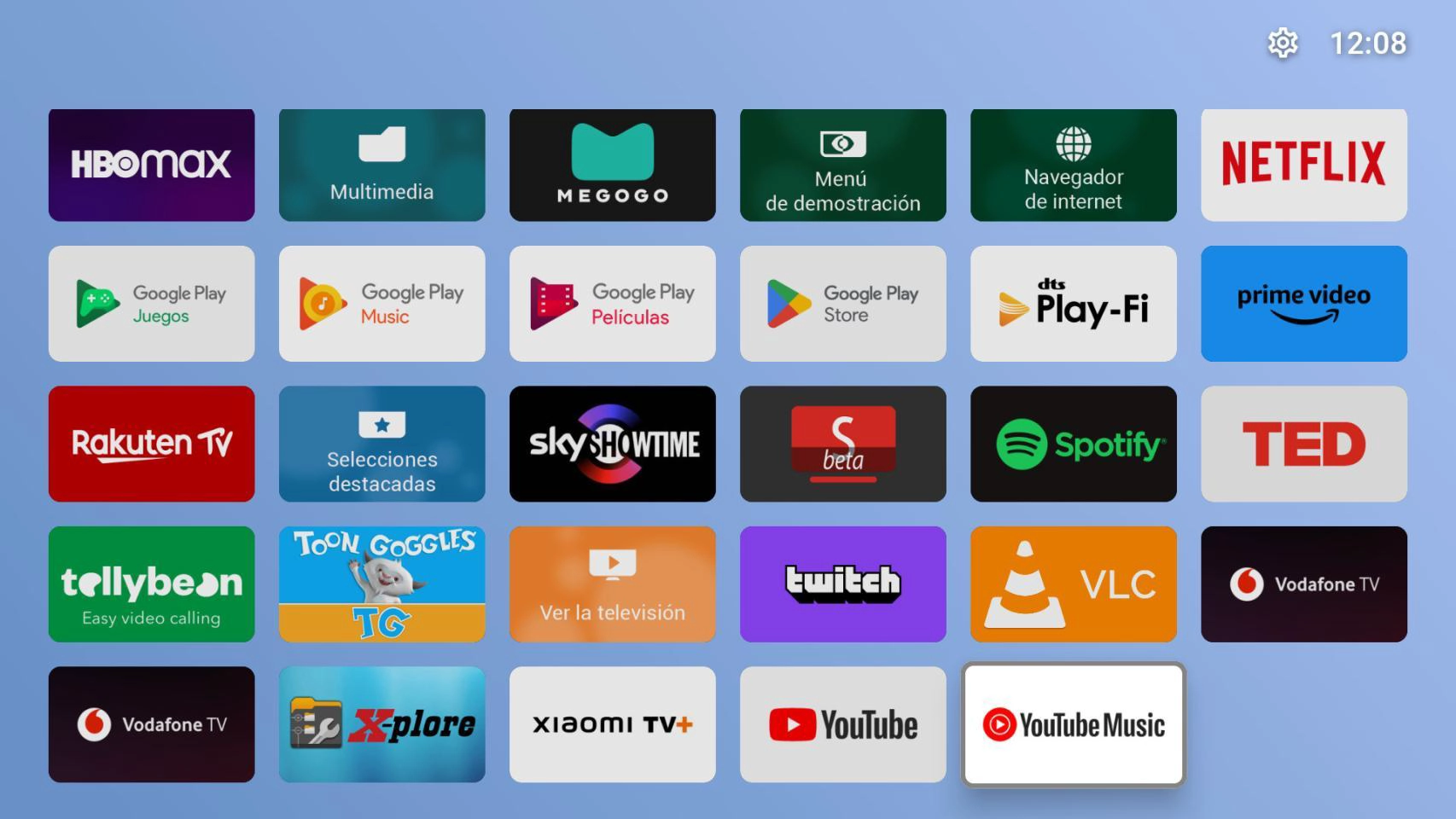
Unlike traditional televisions with fixed application ecosystems, an Android Smart TV Box provides a more flexible software environment. Users can install streaming applications, IPTV clients, media players, web browsers, video conferencing tools, and specialized business applications.
However, application compatibility is not universal. An APK designed for a particular Android version, processor architecture, or touchscreen interface may not work correctly on another device.
1.1 Google Play Store Installation
For Smart TV Boxes running compatible Android TV or Google TV platforms with the appropriate Google certification, the Google Play Store provides the most straightforward application installation method.
The process is simple:
-
Connect the Smart TV Box to the internet.
-
Open Google Play Store.
-
Search for the required application.
-
Select the application and choose Install.
-
Launch the application after installation.
Google Play availability depends on device certification, regional availability, application compatibility, and the developer's distribution settings.
For commercial buyers, this distinction matters. A device running standard Android does not automatically qualify as a Google-certified Android TV product.
Google Mobile Services availability, Android TV compatibility, and Google certification must be evaluated separately during product development.
1.2 Installing Applications Through APK Files
APK installation provides greater flexibility when an application is unavailable through Google Play or when a business needs to deploy proprietary software.
Typical installation steps include:
-
Download the compatible APK from a trusted source.
-
Transfer the file through USB storage, network sharing, or a download application.
-
Enable permission to install applications from the relevant external source, if required.
-
Open the APK file using a file manager.
-
Complete installation and test the application.
For enterprise deployment, APK installation is often part of a controlled software distribution process rather than an individual manual operation.
System integrators may require pre-installed applications, customized application launchers, restricted user access, or automatic application startup.
These requirements should be addressed at the firmware level rather than handled through repeated manual configuration.
1.3 Can You Install Any Android Application?
No. Android application compatibility depends on several technical conditions.
|
Compatibility Factor |
Technical Consideration |
|---|---|
|
Android Version |
Application minimum SDK and target SDK requirements |
|
CPU Architecture |
ARM64, ARM32, or other supported architectures |
|
Memory |
RAM availability and application workload |
|
GPU |
OpenGL ES and Vulkan compatibility |
|
Display |
Resolution, aspect ratio, and rendering support |
|
Input Method |
Remote control, keyboard, mouse, or touchscreen |
|
DRM |
Widevine and other content protection requirements |
|
Firmware |
Android permissions, system services, and kernel support |
For example, an application developed for a touchscreen smartphone may install successfully on a Smart TV Box but remain difficult to operate with a standard infrared remote control.
Similarly, a video application may launch normally but fail to deliver protected HD or 4K content because the device does not meet its DRM certification requirements.
The important distinction is that successful installation does not guarantee full application functionality.
2. How to Choose the Right Apps for a Smart TV Box
Application selection should begin with the intended deployment scenario, not simply the number of available applications.
A retail streaming device, an IPTV operator's subscriber terminal, and a commercial digital signage player have fundamentally different software requirements.
2.1 Streaming and Entertainment Applications
For consumer-facing Smart TV Box products, streaming applications are usually the primary software requirement.
Typical categories include:
-
Video streaming platforms
-
IPTV applications
-
Online media players
-
Music streaming applications
-
Web browsers
-
Local media playback applications
Video playback performance depends on more than CPU frequency.
The SoC must provide appropriate hardware decoding capabilities, memory bandwidth, GPU resources, and video output support.
For example, AV1 and H.265 hardware decoding can reduce bandwidth requirements and improve streaming efficiency when the content platform and network infrastructure support these codecs.
A Smart TV Box intended for 4K streaming should also be evaluated for:
-
4K resolution output and refresh rates
-
HDR format compatibility
-
HDMI interface specifications
-
HDCP protection requirements
-
Hardware video decoding
-
Audio passthrough capabilities
-
Wi-Fi and Ethernet performance
Application developers may impose additional requirements that cannot be resolved through hardware specifications alone.
2.2 IPTV Applications for Telecom Operators
IPTV applications require a different level of integration.
Telecom operators and IPTV service providers often need their own middleware, subscriber authentication systems, electronic program guides, conditional access mechanisms, and remote device management platforms.
A commercial IPTV Smart TV Box may require:
-
Custom IPTV launcher
-
Middleware and SDK integration
-
Remote configuration
-
Application-level authentication
-
EPG integration
-
Secure playback
-
OTA firmware management
-
Application version control
In these deployments, application compatibility must be validated against the operator's complete software environment.
A generic Android TV Box may provide sufficient hardware performance but still fail to meet operator requirements because of missing SDK interfaces, restricted system permissions, or incompatible firmware architecture.
2.3 Commercial and Industrial Applications
Smart TV Boxes are increasingly used beyond residential entertainment.
Commercial applications include hotel television systems, digital signage, retail advertising, education, hospitality, and corporate information displays.
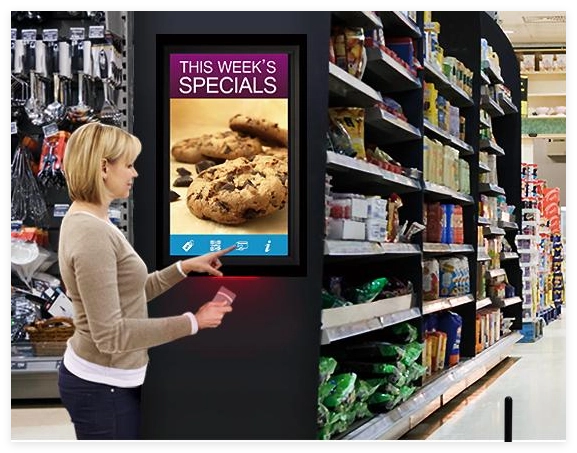
These environments introduce additional application requirements.
|
Application Scenario |
Recommended Software Features |
|---|---|
|
Digital Signage |
Scheduled playback, remote content management, multi-zone display |
|
Hotel IPTV |
Guest interface, centralized management, hotel middleware |
|
Retail Advertising |
Playlist scheduling, advertising analytics, remote updates |
|
Education |
Interactive applications, centralized device control |
|
Corporate Displays |
Dashboard integration, browser-based content, security controls |
|
Industrial Multimedia |
Continuous playback, watchdog services, temperature monitoring |
For 24/7 commercial applications, application selection must also consider memory leaks, background processes, thermal performance, and recovery mechanisms.
An application that performs well during a two-hour demonstration may not remain stable during several months of continuous operation.
3. How to Customize Applications on a Smart TV Box
For B2B manufacturers, distributors, and system integrators, application customization is often more important than basic APK installation.
A commercial Smart TV Box should be designed around the customer's application environment, rather than forcing the customer to adapt its software to a generic retail device.
This is where OEM/ODM engineering becomes particularly valuable.
3.1 Custom Firmware and Application Pre-Installation
Firmware customization allows manufacturers to configure the software environment before mass production.
Depending on the hardware platform and project requirements, customization may include:
-
Pre-installed customer applications
-
Custom boot logos and startup animations
-
Customized Android launcher
-
Default application configuration
-
Removal of unnecessary system applications
-
System permission adjustments
-
Background application management
-
Automatic application startup
-
Restricted user access
For example, an IPTV operator may require its Smart TV Box to boot directly into a branded IPTV interface.
Instead of displaying the standard Android home screen, the customized firmware can launch the operator's application automatically.
This reduces user configuration steps and creates a consistent experience across an entire device fleet.
SZTomato supports custom UI/UX firmware development and application integration for OEM/ODM Smart TV Box projects.
3.2 SDK/API Integration and Application Compatibility
Application integration frequently requires communication between the application layer and the underlying hardware or operating system.
SDK and API integration can provide access to device-specific functions, including:
-
HDMI input and output controls
-
Audio configuration
-
Network interfaces
-
USB peripherals
-
Serial communication
-
GPIO interfaces
-
Power management
-
Remote control functions
-
Hardware decoding capabilities
For specialized applications, standard Android APIs may not expose every required hardware function.
In such cases, development may involve vendor SDK integration, system service modifications, native libraries, or customized framework components.
Linux/Android kernel optimization can also be necessary when an application depends on specific drivers, peripheral interfaces, or hardware acceleration functions.
A practical example is a commercial multimedia application that needs to control external equipment through RS232 or GPIO.
The application itself may be relatively simple, but reliable communication requires the correct hardware design, kernel drivers, permissions, and API interfaces.
3.3 PCBA Modification for Application-Specific Requirements
Software customization cannot compensate for every hardware limitation.
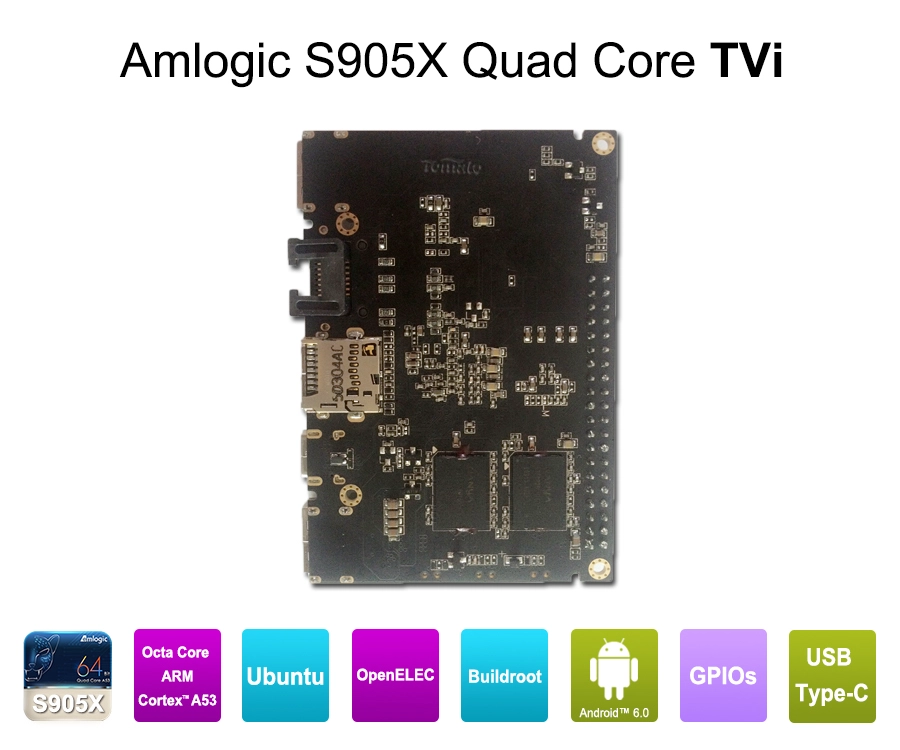
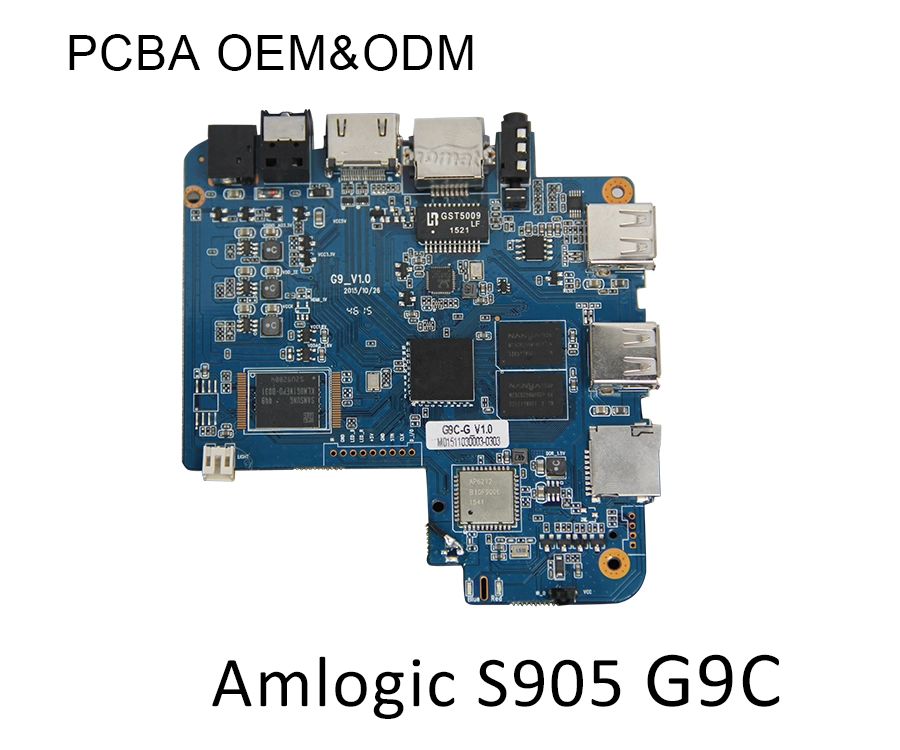
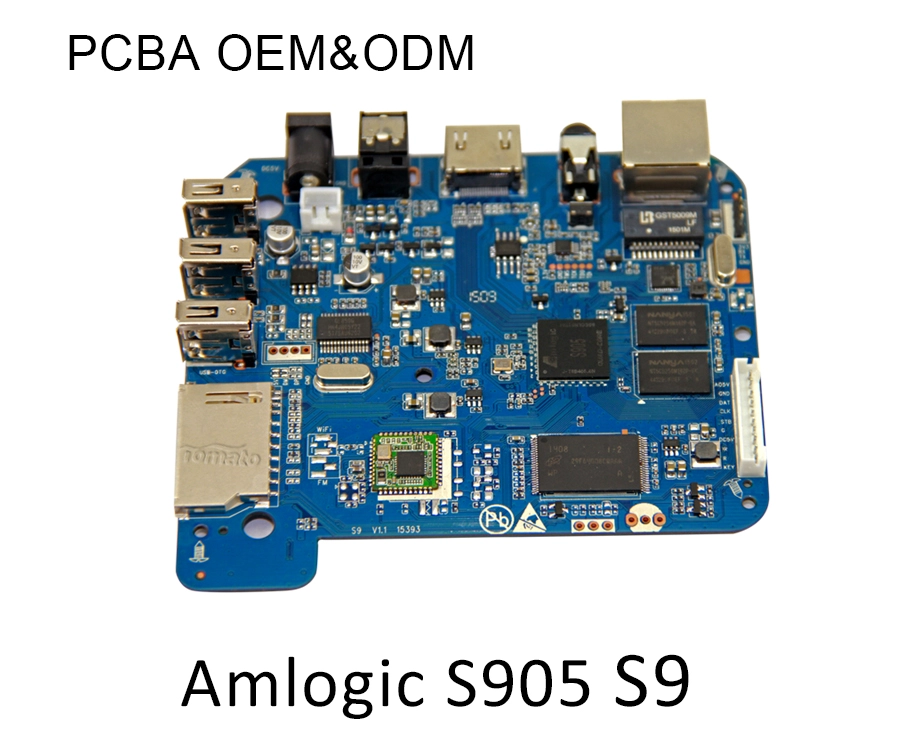
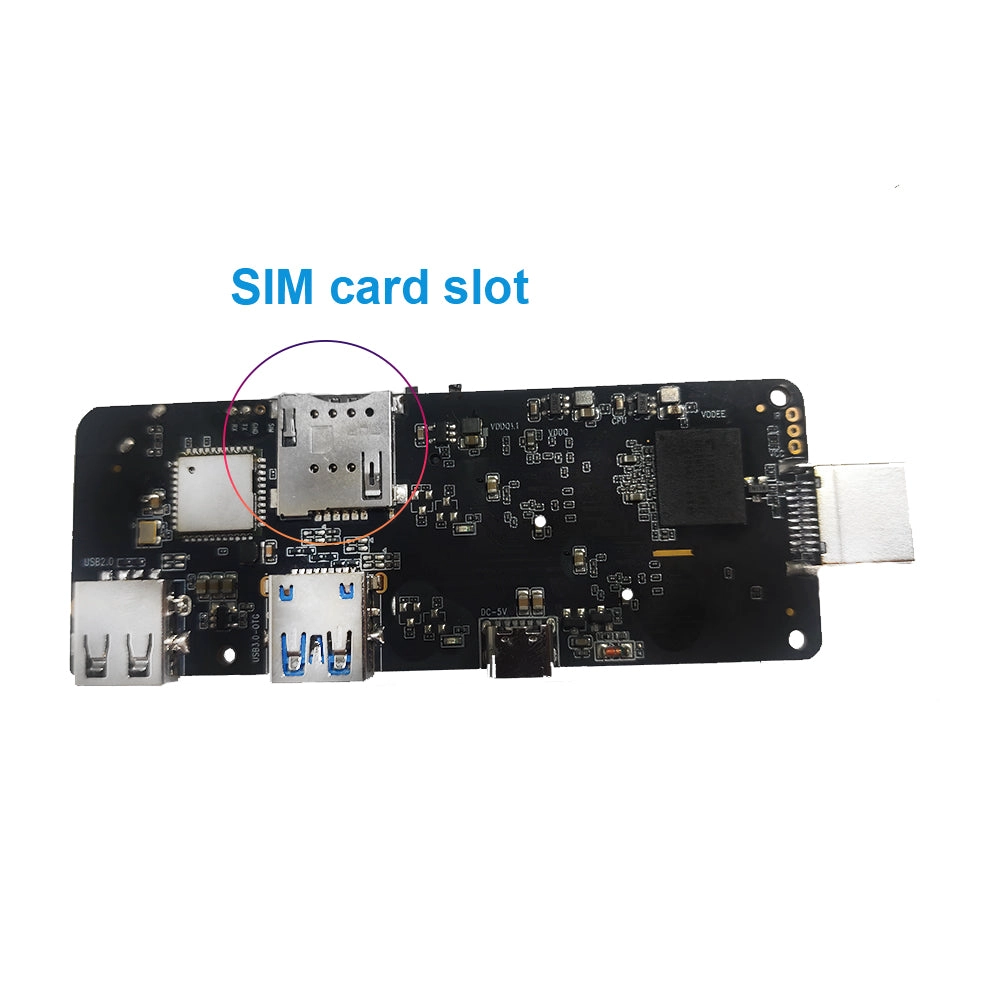
When an application requires additional interfaces, higher processing capacity, or specialized peripherals, PCBA modification may be necessary.
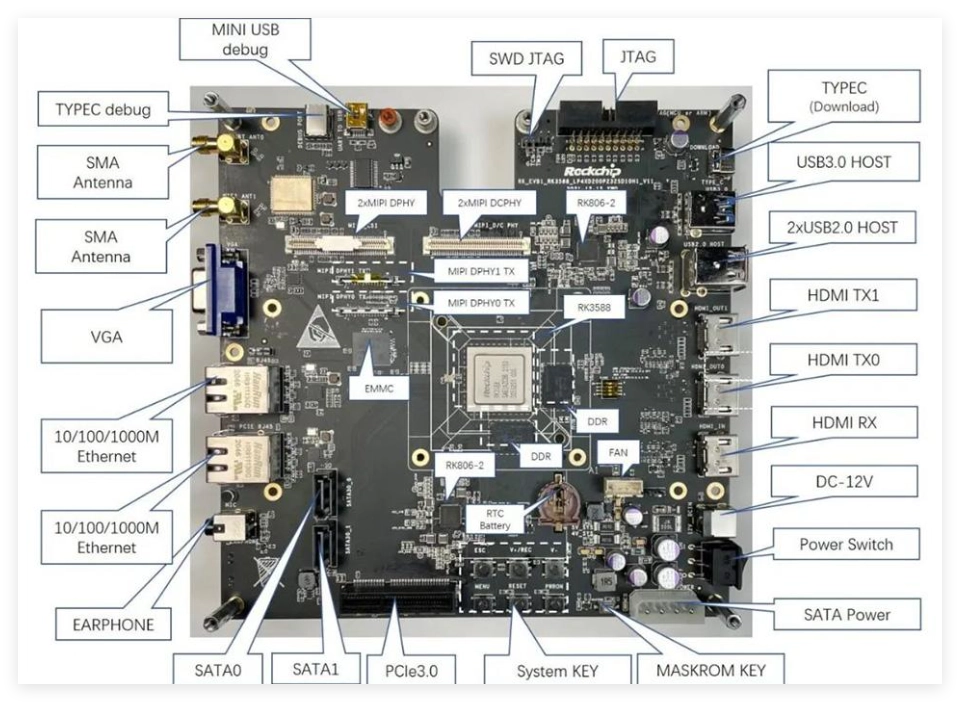
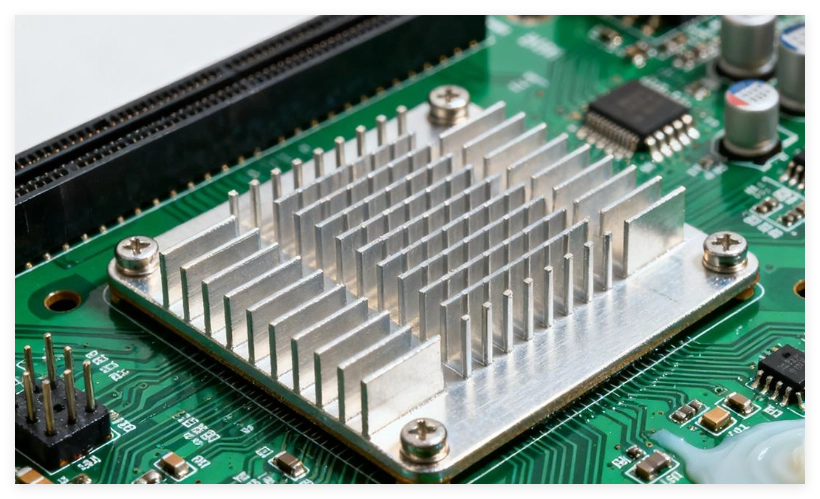
Depending on the project, hardware engineering may involve:
-
Selecting a more suitable SoC
-
Increasing RAM or eMMC capacity
-
Modifying the PCB layout
-
Adding USB, UART, RS232, or GPIO interfaces
-
Optimizing Wi-Fi and Ethernet connectivity
-
Adjusting power delivery circuits
-
Improving heat dissipation
-
Integrating specialized multimedia components
For example, an application that processes multiple video streams while running background analytics may require more memory bandwidth and processing capacity than a conventional entertainment application.
A suitable SoC and PCBA architecture should therefore be selected before mass production.
SZTomato integrates hardware engineering, PCBA modification, firmware customization, and SDK/API development to address these application-specific requirements.
3.4 OTA Updates and Long-Term Application Maintenance
Application deployment does not end when the first batch of Smart TV Boxes leaves the factory.
Commercial operators need a reliable method to maintain application versions, security patches, firmware compatibility, and device stability.
An OTA update system can support:
-
Remote firmware deployment
-
Application version management
-
Security patch distribution
-
Configuration updates
-
System recovery
-
Scheduled maintenance
-
Deployment across multiple device groups
For large-scale deployments, updates should include version validation, compatibility testing, staged rollout, and rollback mechanisms where supported.
Firmware and application updates should also be managed separately when possible.
This reduces unnecessary full-system updates when only an application needs modification.
A well-designed OTA architecture helps operators reduce maintenance costs and maintain consistent software configurations across geographically distributed devices.
4. Smart TV Box Application Trends: What B2B Buyers Should Prepare For
The Smart TV Box market is moving beyond basic streaming functionality.
Hardware performance, operating system architecture, application ecosystems, and remote device management are increasingly interconnected.
Several technical trends will influence future OEM/ODM development.
4.1 More Demanding Application Workloads
Modern applications increasingly combine video playback, interactive interfaces, AI-based processing, and network communication.
This places greater demands on SoC architecture.
A suitable processor should be selected according to the actual application workload.
For example:
|
Application Requirement |
Hardware Consideration |
|---|---|
|
Standard IPTV |
Efficient quad-core CPU and reliable video decoding |
|
4K Streaming |
Hardware AV1/H.265 decoding and suitable HDMI output |
|
Interactive Multimedia |
Stronger CPU and GPU performance |
|
AI Multimedia |
Dedicated NPU and sufficient memory bandwidth |
|
Multi-Application Operation |
Higher RAM capacity and storage performance |
|
Industrial Deployment |
Thermal management and stable power design |
The objective is not to select the most powerful processor available.
It is to select a platform that meets the application requirements without introducing unnecessary hardware costs.
4.2 Android TV, Google TV, and AOSP Differentiation
Operating system selection directly affects application availability and customization possibilities.
Android TV and Google TV provide television-oriented application experiences, while AOSP-based Android platforms offer greater flexibility for certain OEM/ODM applications.
However, these platforms are not interchangeable.
|
Platform |
Primary Consideration |
|---|---|
|
Android TV |
Television-oriented application compatibility and ecosystem |
|
Google TV |
Google TV user experience and applicable certification requirements |
|
AOSP Android |
Greater firmware and interface customization flexibility |
|
Linux |
Specialized embedded applications and controlled software environments |
B2B buyers should define certification, application distribution, user interface, and system integration requirements before choosing the operating system.
For projects requiring Google services or protected streaming applications, certification and DRM requirements must be addressed early in development.
4.3 Thermal Management for Continuous Application Operation
Application stability is closely connected to thermal design.
A Smart TV Box operating continuously with video decoding, networking, and background applications generates sustained heat.
Insufficient thermal management may cause:
-
CPU frequency throttling
-
Reduced application responsiveness
-
Unstable video playback
-
Unexpected system restarts
-
Shortened component service life
Industrial and commercial deployments may require customized heat sinks, optimized PCB component placement, improved enclosure ventilation, or other specialized cooling solutions.
SZTomato can incorporate specialized cooling solutions into OEM/ODM hardware development to support demanding operating environments.
4.4 Application Security and Device Management
Commercial devices must also address application security.
Important considerations include:
-
Secure boot where supported
-
Verified firmware deployment
-
Application permission management
-
Restricted debugging access
-
Secure network communication
-
DRM and HDCP compliance
-
Remote device monitoring
-
Controlled software distribution
For IPTV operators and enterprise customers, these functions help protect software assets and reduce unauthorized system modifications.
Security should be considered during hardware and firmware architecture design rather than added as a final production-stage feature.
5. How to Select a Smart TV Box Manufacturer for Application Customization
For distributors, brand owners, telecom operators, and system integrators, selecting a manufacturer requires more than comparing processor specifications and unit prices.
The manufacturer must demonstrate the ability to integrate hardware, firmware, applications, and production quality into one reliable solution.
The following criteria are particularly important.
|
Evaluation Criteria |
What Buyers Should Verify |
|---|---|
|
Hardware Engineering |
SoC selection, PCBA modification, memory and interface customization |
|
Firmware Development |
Custom Android firmware, launcher, system optimization |
|
Application Integration |
APK compatibility, SDK/API integration, pre-installation |
|
Multimedia Performance |
AV1, H.265, 4K/8K decoding, audio and HDMI compatibility |
|
Thermal Engineering |
Heat dissipation and continuous-operation testing |
|
OTA Management |
Remote firmware updates, version control, recovery |
|
Quality Control |
Functional testing, aging tests, production consistency |
|
OEM/ODM Capability |
Branding, enclosure, PCB, software, and packaging customization |
A capable manufacturing partner should be able to explain not only what can be customized but also which changes require application development, firmware modification, or hardware redesign.
This distinction helps buyers establish realistic development schedules, engineering costs, and mass-production requirements.
Why Choose SZTomato for Smart TV Box OEM/ODM Projects?
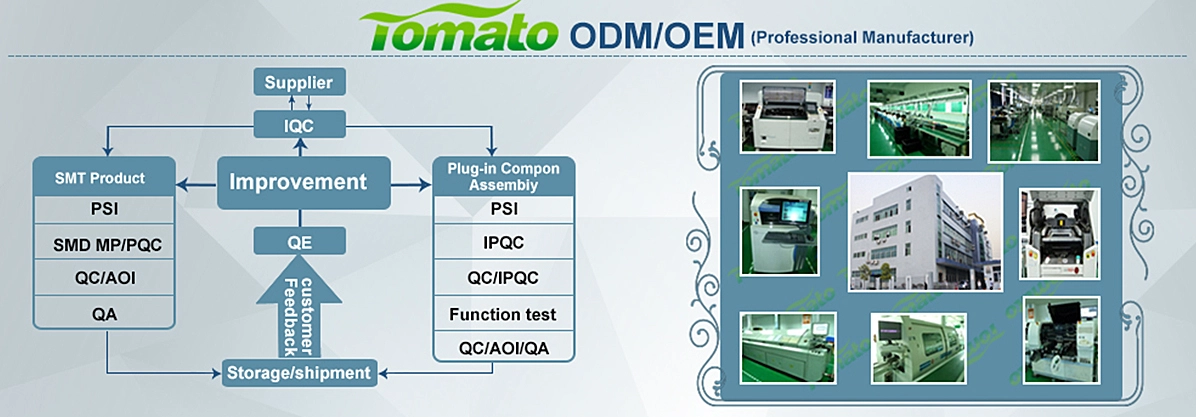
SZTomato, established in 2011, provides Smart TV Box and multimedia hardware OEM/ODM solutions for global brands, distributors, telecom operators, and system integrators.
Its development approach covers the complete product engineering process rather than focusing exclusively on standard hardware assembly.
Core capabilities include:
Hardware and PCBA Engineering
-
SoC platform selection and hardware architecture development
-
PCBA layout and circuit modification
-
Memory and storage configuration
-
Customized connectivity and peripheral interfaces
-
Power management and thermal optimization
Firmware and Software Development
-
Custom Android firmware
-
Customized UI/UX and branded launchers
-
Application pre-installation and integration
-
SDK/API development and integration
-
Linux/Android system optimization
-
OTA update and maintenance support
Multimedia and Industrial Integration
-
Hardware video decoding optimization
-
Customized professional multimedia audio solutions
-
Specialized cooling solutions for industrial applications
-
Application-specific hardware and software integration
-
Product validation and mass-production quality control
With these capabilities, SZTomato helps customers develop Smart TV Box products around their actual application requirements, deployment environments, and commercial objectives.
Conclusion: Application Compatibility Starts with the Right Hardware and Firmware
Installing applications on a Smart TV Box is relatively straightforward. Ensuring that those applications operate reliably across different hardware platforms, Android versions, network environments, and commercial deployment scenarios requires considerably more engineering.
For B2B projects, application compatibility should be evaluated together with SoC performance, RAM capacity, DRM requirements, Android firmware, SDK/API integration, thermal management, and OTA maintenance.
A successful Smart TV Box is not simply a device capable of running Android applications. It is a complete hardware and software platform designed around specific application requirements.
If you are developing a branded Smart TV Box, IPTV terminal, commercial streaming device, or customized multimedia solution, SZTomato can support your project from hardware architecture and PCBA modification to firmware customization and application integration.
Contact SZTomato to discuss your Smart TV Box OEM/ODM requirements and develop a hardware and software platform tailored to your application ecosystem.
