
Do I need an Android TV Box for each TV?
1. Do You Need an Android TV Box for Every TV?
In most installations, yes. If each television needs to display different content, run separate applications, or operate independently, each TV generally requires its own Android TV Box.
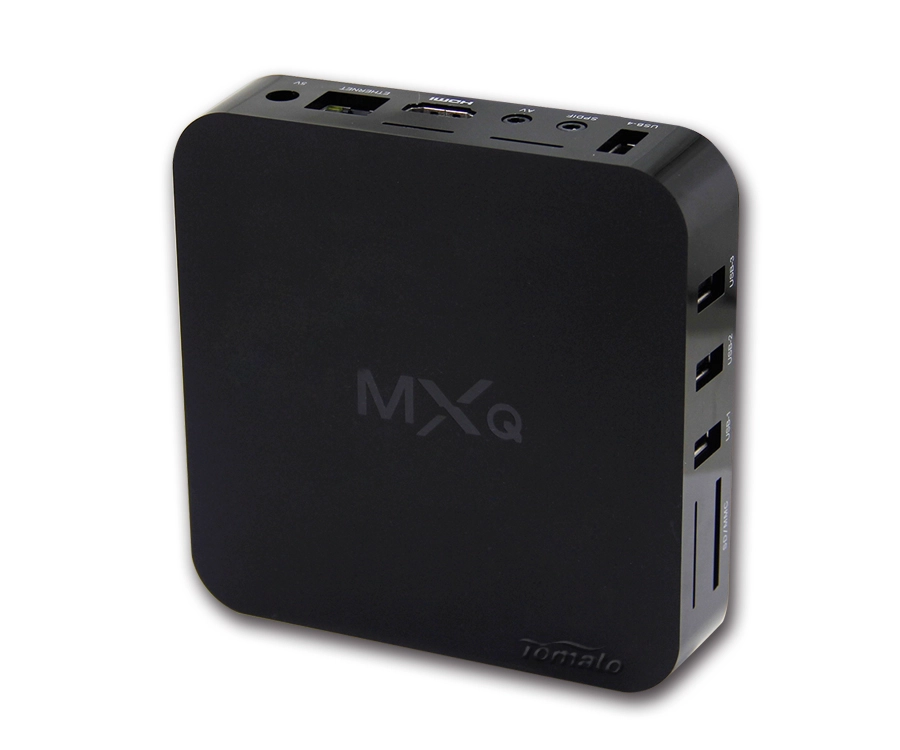
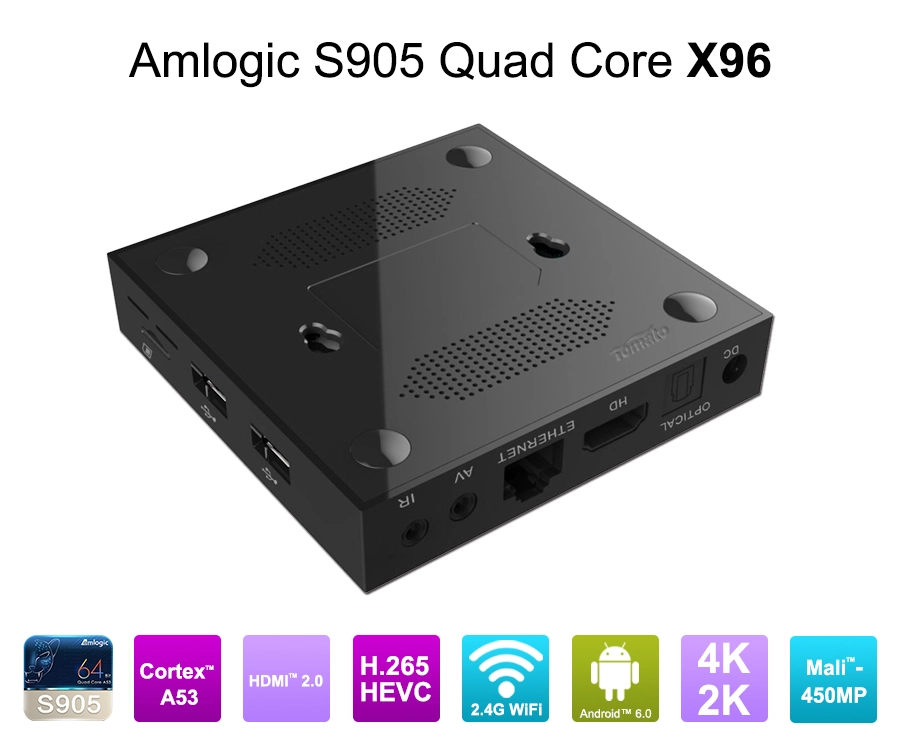
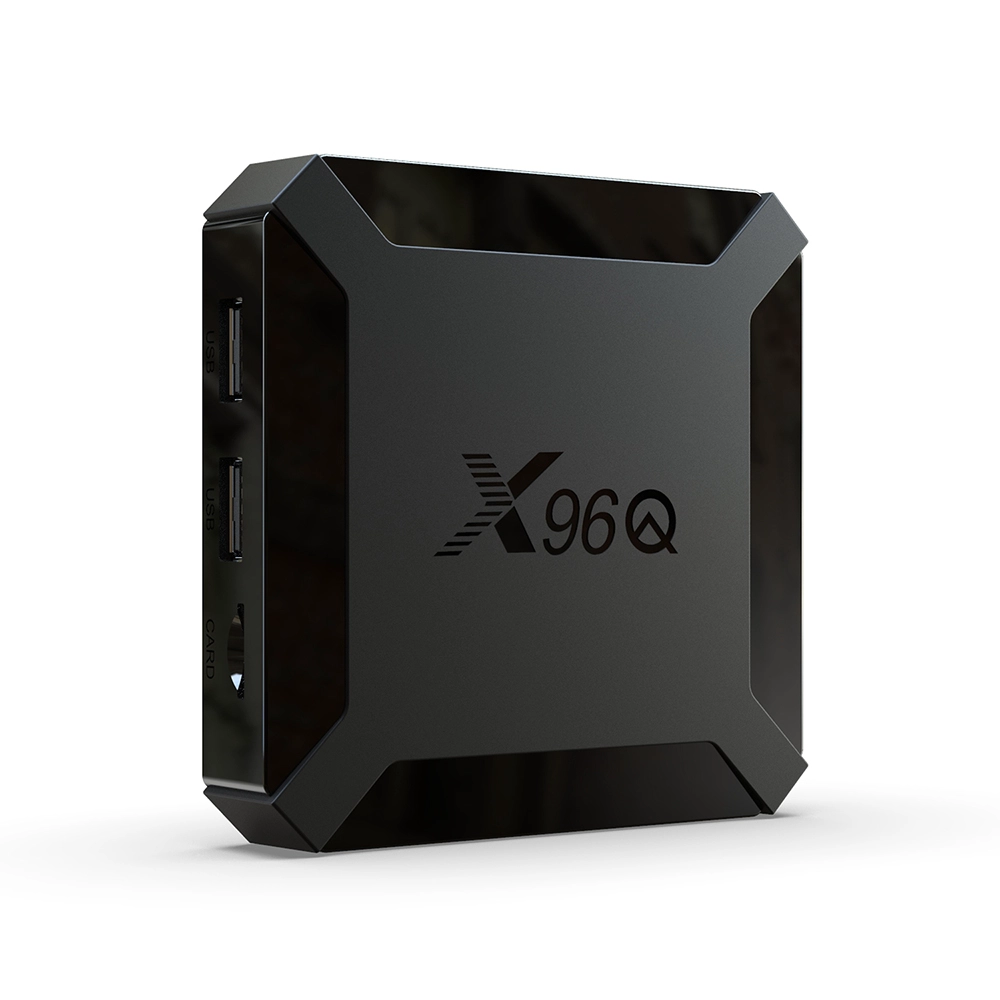
An Android TV Box connects to a television through an HDMI interface and provides the operating system, application environment, video decoding, and network connectivity.
The TV itself functions primarily as a display, while the Android TV Box handles the multimedia processing.
However, there are exceptions. Multiple televisions can receive the same video signal from a single Android TV Box through an HDMI splitter or distribution system.
The correct configuration depends on whether the televisions need identical or independent content.
1.1 One Android TV Box Connected to One TV
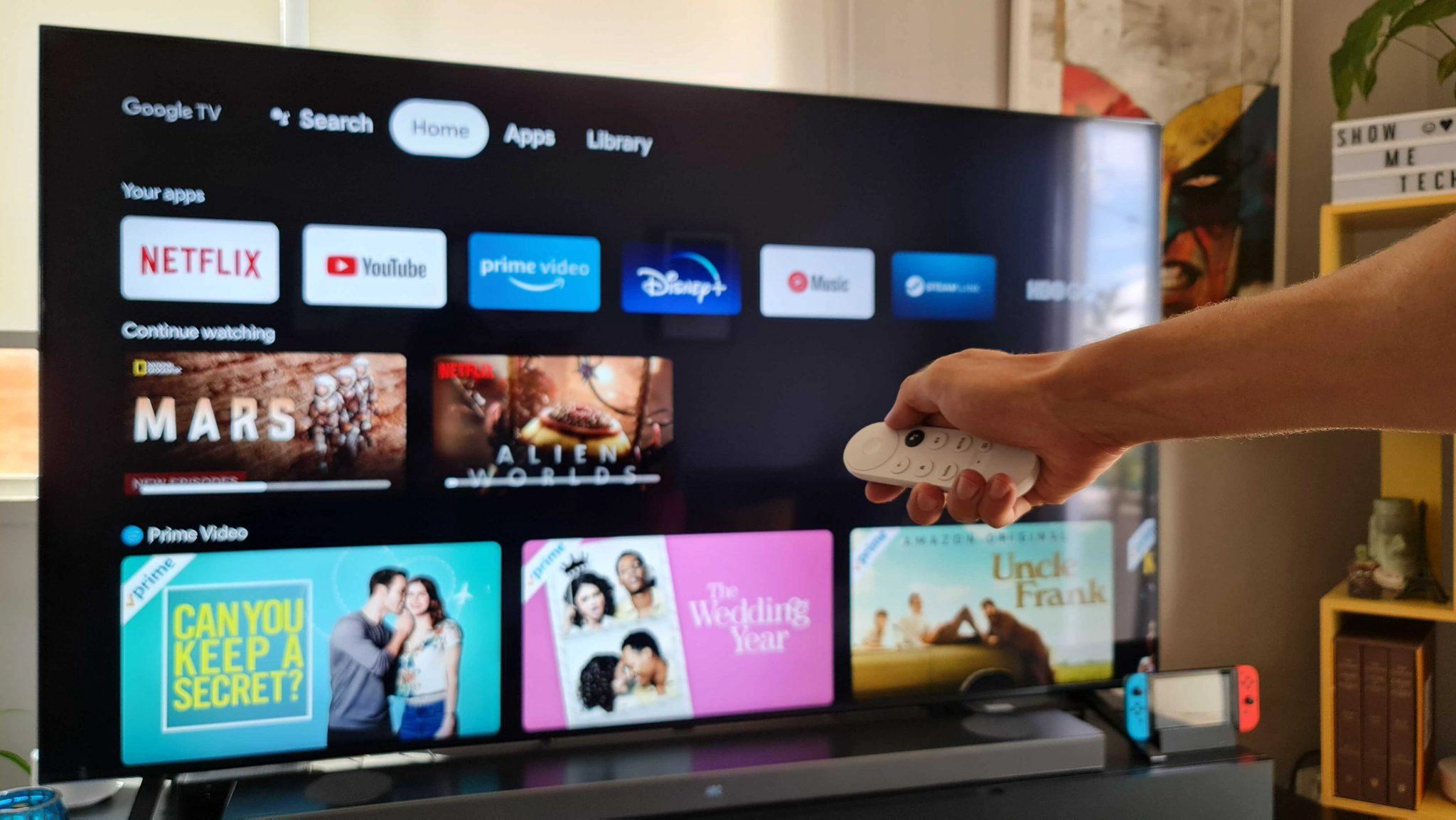
This is the standard configuration.
The Android TV Box connects to the television through HDMI, while Wi-Fi or Ethernet provides internet access.
Each device independently handles:
-
Android operating system execution
-
Application installation and management
-
Video decoding and rendering
-
Audio processing
-
Network communication
-
Remote control input
For example, a household with three televisions may use three Android TV Boxes.
The living room can stream Netflix, the bedroom can run YouTube, and another television can display IPTV channels.
Each device operates independently, without competing for a single HDMI output.
For commercial deployments, this architecture also allows individual devices to receive different configurations, applications, and content.
1.2 Can One Android TV Box Connect to Multiple TVs?
Yes. An HDMI splitter can distribute one HDMI signal from a single Android TV Box to multiple televisions.
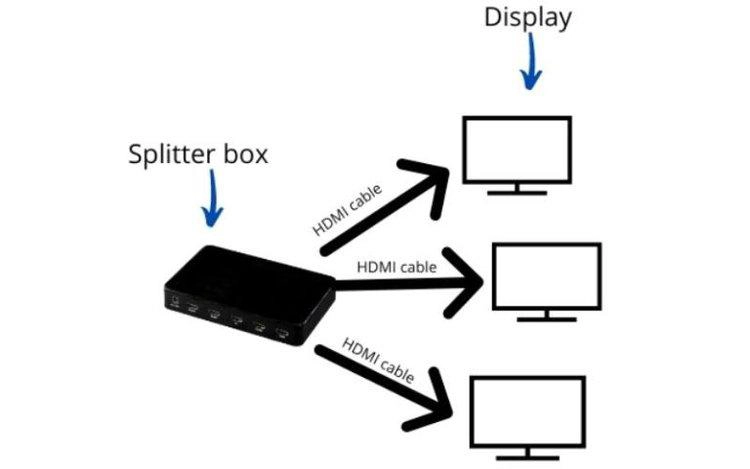
A typical configuration looks like this:
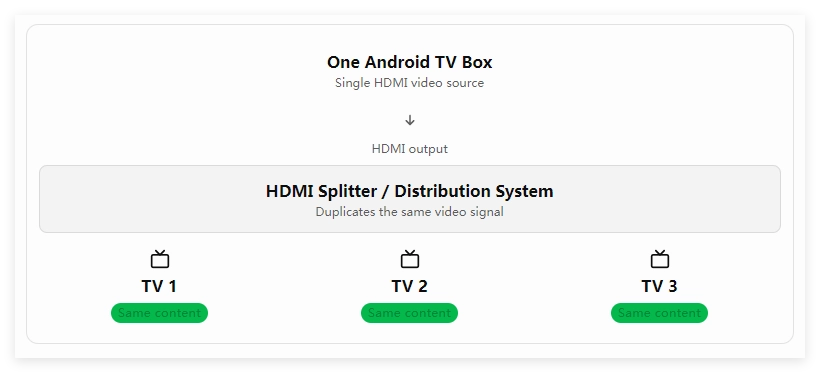
This solution works when every television needs to display exactly the same content.
Typical applications include:
-
Restaurants showing the same sports broadcast.
-
Retail stores displaying synchronized promotional videos.
-
Conference rooms distributing presentations.
-
Exhibition spaces using multiple displays.
-
Hospitality environments broadcasting shared information.
However, an HDMI splitter duplicates the output signal. It does not create separate Android environments.
All connected televisions display the same source, and application navigation or playback control affects the shared output.
Important: HDMI distribution does not provide independent content selection. If three televisions need to display three different applications, three independent playback sources are normally required.
1.3 Android TV Box vs. Built-in Smart TV Applications
Some modern televisions already include Android TV, Google TV, or another Smart TV operating system.
In these cases, an additional Android TV Box may not be necessary.
However, built-in Smart TV platforms do not always provide the same flexibility as an external device.
An external Android TV Box may offer:
-
More suitable SoC performance
-
Additional memory and storage
-
Specialized connectivity
-
Custom firmware
-
Application pre-installation
-
IPTV middleware integration
-
Longer-term hardware customization
For commercial buyers, an external device also allows the same hardware platform to be deployed across different television brands.
This is particularly useful for hotel operators, telecom companies, and system integrators managing heterogeneous display environments.
2. How to Connect Multiple TVs: Three Practical Deployment Architectures
The choice of multi-TV architecture should be based on content independence, network bandwidth, installation costs, and centralized management requirements.
Three configurations cover most deployment scenarios.
2.1 Architecture A: One Android TV Box Per TV
Best for independent playback
Each television receives its own Android TV Box.
This architecture provides the greatest flexibility because every device operates independently.
|
Technical Factor |
Configuration |
|---|---|
|
Hardware |
One Android TV Box per TV |
|
HDMI |
Dedicated HDMI connection |
|
Applications |
Independent installation |
|
Content |
Different content on each TV |
|
Remote Control |
Individual control |
|
Network |
Individual Wi-Fi or Ethernet connection |
|
Management |
Individual or centralized management |
Advantages
-
Independent application execution.
-
Different streaming services on each television.
-
Separate user accounts and configurations.
-
Independent playback resolution and settings.
-
Easier troubleshooting and device replacement.
Limitations
-
Higher hardware procurement costs.
-
More HDMI and power connections.
-
Additional network requirements.
-
More devices to manage and maintain.
For residential use, this is usually the most straightforward option.
For commercial environments, it provides a predictable architecture that can be standardized across hundreds or thousands of displays.
2.2 Architecture B: One Android TV Box with an HDMI Splitter
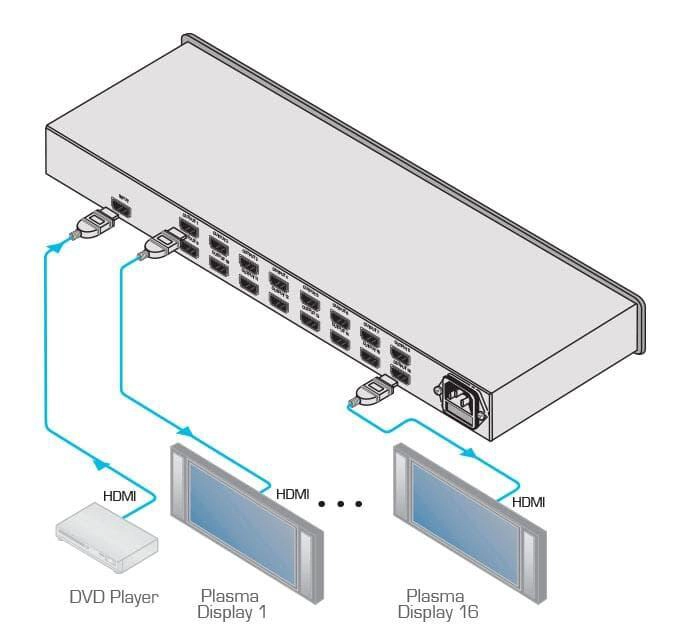
Best for identical content
An HDMI splitter distributes one source signal to multiple displays.
This architecture reduces the number of Android TV Boxes required when all screens display identical content.
However, procurement teams should evaluate several technical factors:
-
HDMI version and supported bandwidth.
-
Maximum output resolution and refresh rate.
-
HDCP compatibility.
-
HDR and color format support.
-
EDID management.
-
HDMI cable distance.
-
Signal amplification and transmission stability.
HDCP encryption is particularly important when distributing protected streaming content.
The source device, splitter, and connected displays must support compatible HDCP requirements. Otherwise, protected content may fail to play or fall back to a lower supported output mode.
EDID management also matters when displays have different resolutions or refresh rates.
For example, connecting one 4K television and three Full HD televisions may cause the distribution system to negotiate a common output mode depending on its EDID configuration.
This architecture is suitable for synchronized advertising and shared entertainment, but not independent television operation.
2.3 Architecture C: Network-Based IPTV and Centralized Streaming
Best for hotels and large deployments
For hotels, apartment complexes, hospitals, and commercial properties, network-based IPTV is often more scalable than distributing HDMI signals throughout a building.
A typical architecture includes:
-
Centralized IPTV middleware or content management server.
-
Ethernet switches and network infrastructure.
-
Individual Android TV Boxes connected to televisions.
-
IPTV applications or customized playback software.
-
Centralized device and application management.
Each television generally has its own endpoint device, but content distribution and management are handled centrally.
This enables different rooms to access different channels, videos, and applications while sharing the same infrastructure.
For example, a hotel with 100 guest rooms may deploy 100 Android TV Boxes connected to its IPTV platform.
The hotel can centrally manage channel lists, welcome screens, application configurations, and firmware updates.
This architecture also provides a foundation for integrating:
-
Hotel property management systems.
-
Guest authentication.
-
Electronic program guides.
-
Video-on-demand platforms.
-
Customized user interfaces.
-
Remote diagnostics.
-
OTA firmware updates.
Unlike an HDMI splitter, network-based distribution can deliver independent content to each endpoint.
3. How Many Android TV Boxes Do You Need? A Technical Selection Guide
The correct number of Android TV Boxes depends on how many televisions require independent playback and how the content is distributed.
The following table provides a practical starting point.
|
Deployment Requirement |
Recommended Configuration |
|---|---|
|
One TV, one content source |
1 Android TV Box |
|
Three TVs, different content |
3 Android TV Boxes |
|
Three TVs, identical content |
1 Android TV Box + HDMI splitter |
|
Ten hotel rooms, independent IPTV |
10 Android TV Boxes + IPTV infrastructure |
|
Fifty retail displays, synchronized advertising |
Centralized distribution or signage architecture |
|
Fifty displays, different playlists |
Independent playback endpoints or network-managed signage players |
|
Multiple TVs with centralized control |
Individual endpoints + centralized management |
3.1 Calculate Hardware Requirements Based on Content Independence
A useful way to estimate device quantities is to distinguish between physical displays and independent playback streams.
For example:
-
Five televisions showing the same video require one playback source if HDMI distribution is suitable.
-
Five televisions showing five different channels require five independent playback sources.
-
Twenty hotel rooms requiring independent IPTV services generally require twenty endpoint devices.
The key variable is not simply the number of televisions. It is the number of independent content streams.
A simplified planning formula is:

This assumes one playback device per independent stream. Specialized centralized systems may use different architectures, but their decoding, licensing, and output limitations must be evaluated separately.
3.2 Consider Network Bandwidth Before Deployment
Network capacity becomes a critical factor when multiple Android TV Boxes stream content simultaneously.
For example, consider a deployment with 50 endpoints, each receiving a 4K video stream averaging 15 Mbps.
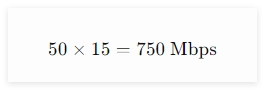
The theoretical aggregate video traffic is approximately 750 Mbps, before accounting for network overhead and other traffic.
Actual bandwidth depends on codec, resolution, frame rate, content complexity, and adaptive bitrate behavior.
For commercial deployments, buyers should evaluate:
-
Gigabit Ethernet availability.
-
Managed switch capacity.
-
VLAN configuration.
-
Multicast support for IPTV.
-
IGMP snooping.
-
Wireless interference.
-
Network redundancy.
-
Quality of Service (QoS).
For multicast IPTV, properly configured network infrastructure can reduce duplicated traffic when multiple endpoints receive the same channel.
Unicast streaming, by comparison, generally creates a separate stream for each receiving device.
These architectural differences can significantly affect network infrastructure costs.
3.3 Choose the Right SoC and Memory Configuration
Not every television needs the same hardware specification.
A basic IPTV endpoint may operate effectively with a cost-efficient quad-core SoC, while a 4K interactive multimedia terminal may require stronger CPU and GPU resources.
A practical hardware selection framework is:
|
Application |
Recommended Hardware Consideration |
|---|---|
|
Standard IPTV |
Efficient quad-core SoC, adequate RAM |
|
4K Streaming |
Hardware AV1/H.265 decoding, suitable HDMI output |
|
Interactive Applications |
Stronger CPU and GPU |
|
Commercial Multimedia |
Higher memory capacity and storage |
|
AI-Based Applications |
Dedicated NPU where required |
|
24/7 Operation |
Thermal optimization and stable power design |
The SoC must support the required decoding formats and output capabilities.
For example, selecting a processor with AV1 hardware decoding can reduce CPU workload when playing compatible AV1 content.
However, actual performance also depends on firmware drivers, media framework integration, and application support.
This is why hardware selection and Android/Linux software optimization should be treated as one engineering process.
4. OEM/ODM Customization: Building an Android TV Box for Multi-TV Applications
For commercial projects, selecting the correct number of devices is only the first step.
The more important question is whether each Android TV Box can integrate reliably with the customer's software platform, network infrastructure, and operating environment.
Generic retail hardware may not provide the interfaces, firmware functions, or centralized management capabilities required for large deployments.
4.1 Custom Firmware and Application Integration
Hotel IPTV operators, telecom companies, and commercial system integrators frequently require customized Android environments.
Typical requirements include:
-
Branded startup logos and boot animations.
-
Customized Android launcher and UI/UX.
-
Pre-installed IPTV applications.
-
Automatic application startup.
-
Restricted system access.
-
Custom remote control mapping.
-
SDK/API integration.
-
Remote application configuration.
For example, a hotel operator may require every Android TV Box to launch directly into a branded guest interface after power-on.
The device may also need to communicate with hotel middleware through APIs and retrieve room-specific information.
These functions require firmware-level integration rather than simple application installation.
SZTomato supports customized Android firmware, application integration, and SDK/API development for application-specific Smart TV and IPTV projects.
4.2 PCBA Hardware Modification for Commercial Deployments
Commercial Android TV Box projects may require hardware configurations that differ from standard consumer devices.
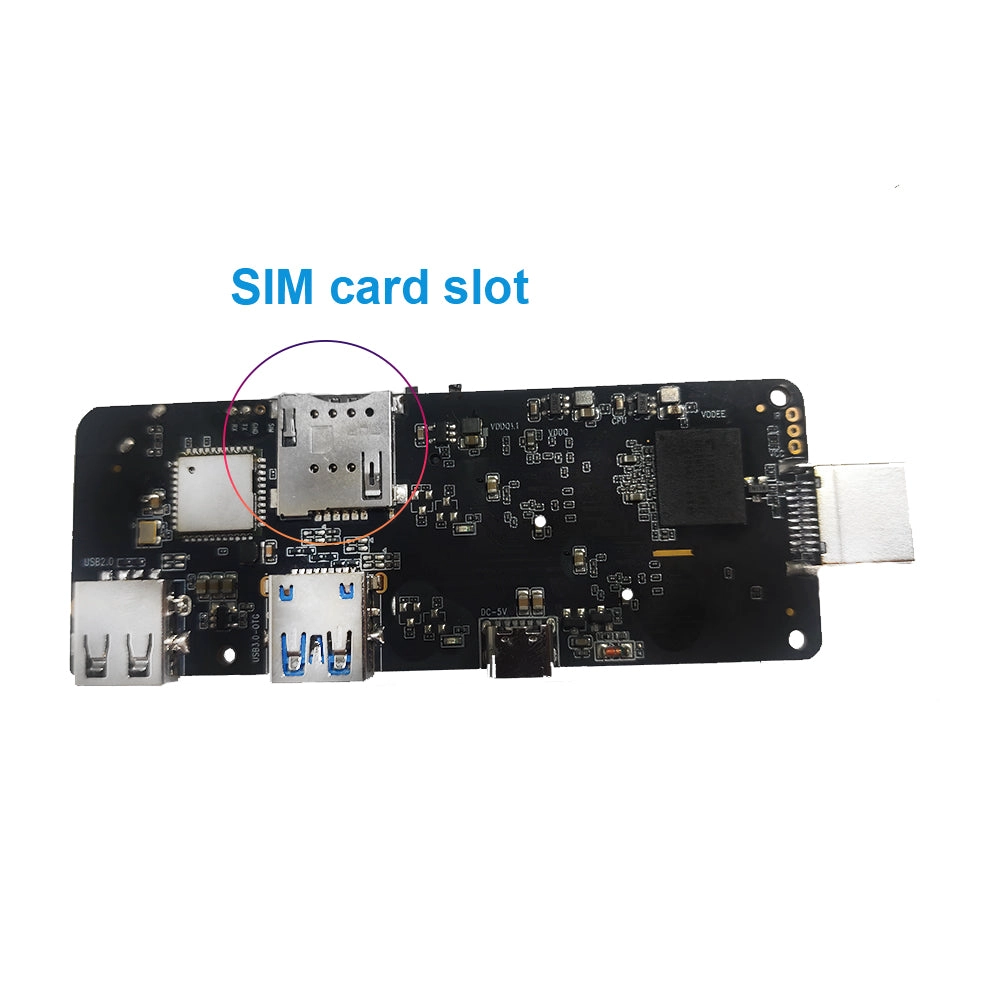
Depending on the deployment environment, PCBA modification can address:
-
Additional Ethernet or USB interfaces.
-
UART, RS232, and GPIO connectivity.
-
Memory and eMMC configuration.
-
Wi-Fi and Bluetooth module selection.
-
Power supply optimization.
-
PCB layout adjustments.
-
Customized multimedia audio circuits.
For example, an IPTV terminal may need an additional RS232 interface to communicate with external equipment.
A standard Android TV Box without the appropriate hardware interface may require a redesigned PCBA to meet this requirement.
Hardware modifications should be evaluated alongside the Android framework, kernel drivers, and application APIs to ensure the complete system works as intended.
4.3 Thermal Management for 24/7 Operation
In commercial environments, Android TV Boxes may operate continuously for extended periods.
Sustained video decoding, networking, and background application workloads can increase SoC temperature.
Poor thermal design may result in:
-
CPU frequency throttling.
-
Reduced application responsiveness.
-
Playback interruptions.
-
Unexpected restarts.
-
Long-term reliability problems.
SZTomato can develop specialized cooling solutions for industrial and commercial applications, including optimized heat dissipation structures and thermal design adjustments.
The objective is to maintain stable operating temperatures under the actual workload and ambient conditions.
4.4 Centralized OTA Firmware and Device Maintenance
Managing multiple Android TV Boxes manually becomes inefficient as deployment numbers increase.
An OTA update system allows operators to distribute firmware and configuration updates remotely.
For example, a telecom operator managing 1,000 Android TV Boxes may need to update its IPTV application, modify the launcher, or deploy a security patch.
A properly designed update architecture can support:
-
Firmware version management.
-
Remote application updates.
-
Device configuration management.
-
Scheduled deployment.
-
Staged updates.
-
Recovery and rollback mechanisms.
-
Remote troubleshooting.
For large-scale B2B projects, OTA functionality should be defined during the initial firmware architecture stage.
Adding centralized management after mass production can increase engineering costs and create compatibility problems.
4.5 Why Choose SZTomato for Android TV Box OEM/ODM Projects?
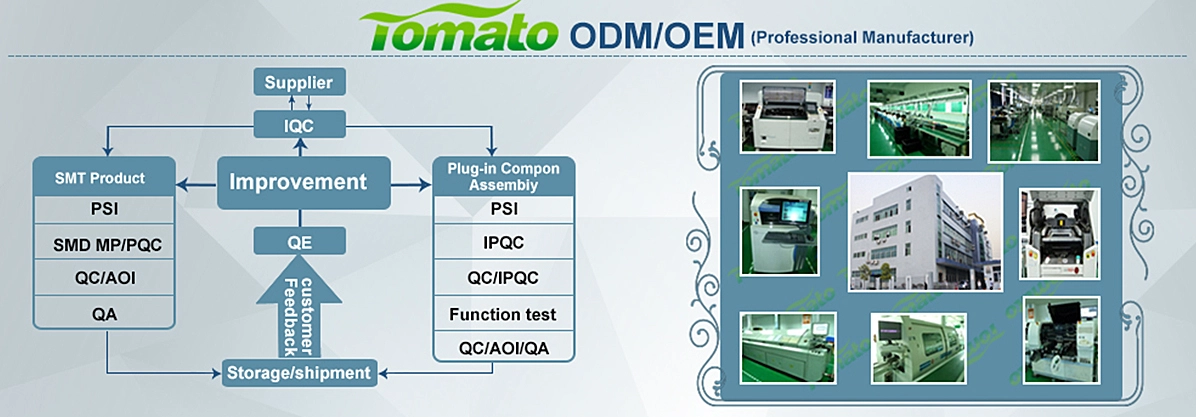
Established in 2011, SZTomato provides Android TV Box, Smart TV Box, IPTV Set-Top Box, and multimedia hardware OEM/ODM solutions.
Its engineering capabilities cover the complete product development process:
-
Hardware engineering: SoC selection, PCBA design modification, memory configuration, and peripheral integration.
-
Firmware development: Custom Android firmware, launcher design, UI/UX customization, and system optimization.
-
SDK/API integration: IPTV middleware, application integration, and communication with external systems.
-
Thermal engineering: Specialized cooling solutions for continuous commercial operation.
-
Production support: Functional testing, quality control, and mass-production coordination.
For procurement managers and system integrators, this integrated development approach helps reduce the gap between hardware specifications and actual deployment requirements.
Conclusion: One Android TV Box Per TV Is Usually the Best Choice for Independent Control
You do not always need a separate Android TV Box for every television.
If all televisions display identical content, one Android TV Box with a compatible HDMI distribution system may be sufficient.
However, if each television needs independent applications, different streaming channels, or separate playback control, an individual Android TV Box for each TV is generally the most practical solution.
For hotels, telecom operators, retail chains, and commercial display projects, network-based IPTV and centralized device management offer greater scalability.
The final architecture should account for independent content streams, network capacity, SoC performance, HDMI compatibility, firmware integration, and long-term maintenance.
Planning a multi-TV deployment or developing a customized Android TV Box product?
SZTomato supports global brands, distributors, telecom operators, and system integrators with OEM/ODM solutions covering PCBA hardware modification, custom Android firmware, SDK/API integration, multimedia optimization, and specialized thermal engineering.
Contact SZTomato to discuss your project requirements and develop an Android TV Box solution designed for your multi-screen application environment.
